Exam Results
In this section, you can view your child's exam results, net values, and performance analytics.
Accessing Exam Results
Click Exams in the left menu.
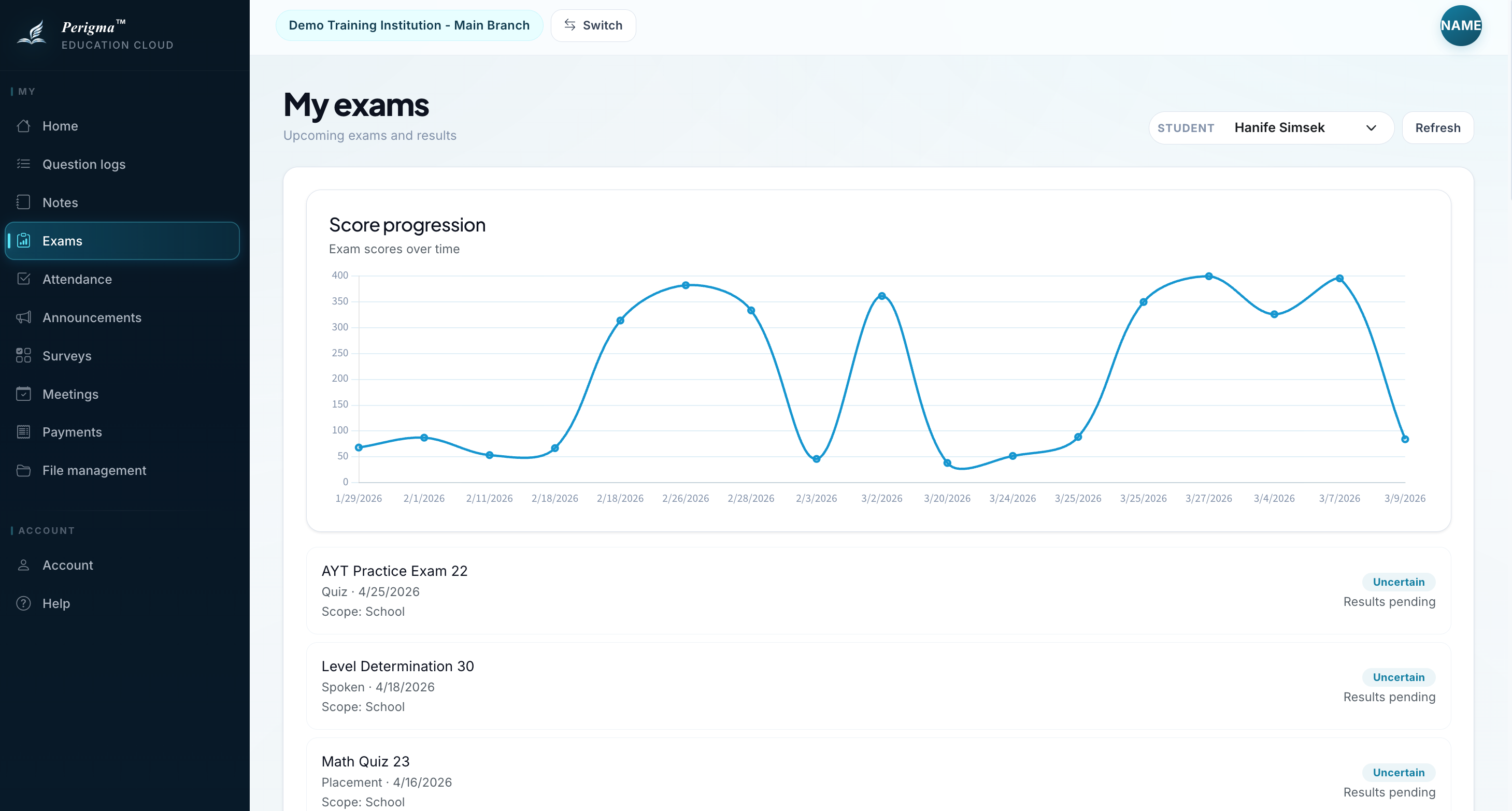
Image 1: Guardian exam results page
Exam List
Completed exams are listed in table form:
| Exam | Date | Course | Score | Average |
|---|---|---|---|---|
| Term 1 Mathematics | 15.11.2024 | Mathematics | 78 | 65 |
| Physics Mock 1 | 20.11.2024 | Physics | 82 | 70 |
| General Mock 3 | 25.11.2024 | General | 280 | 245 |
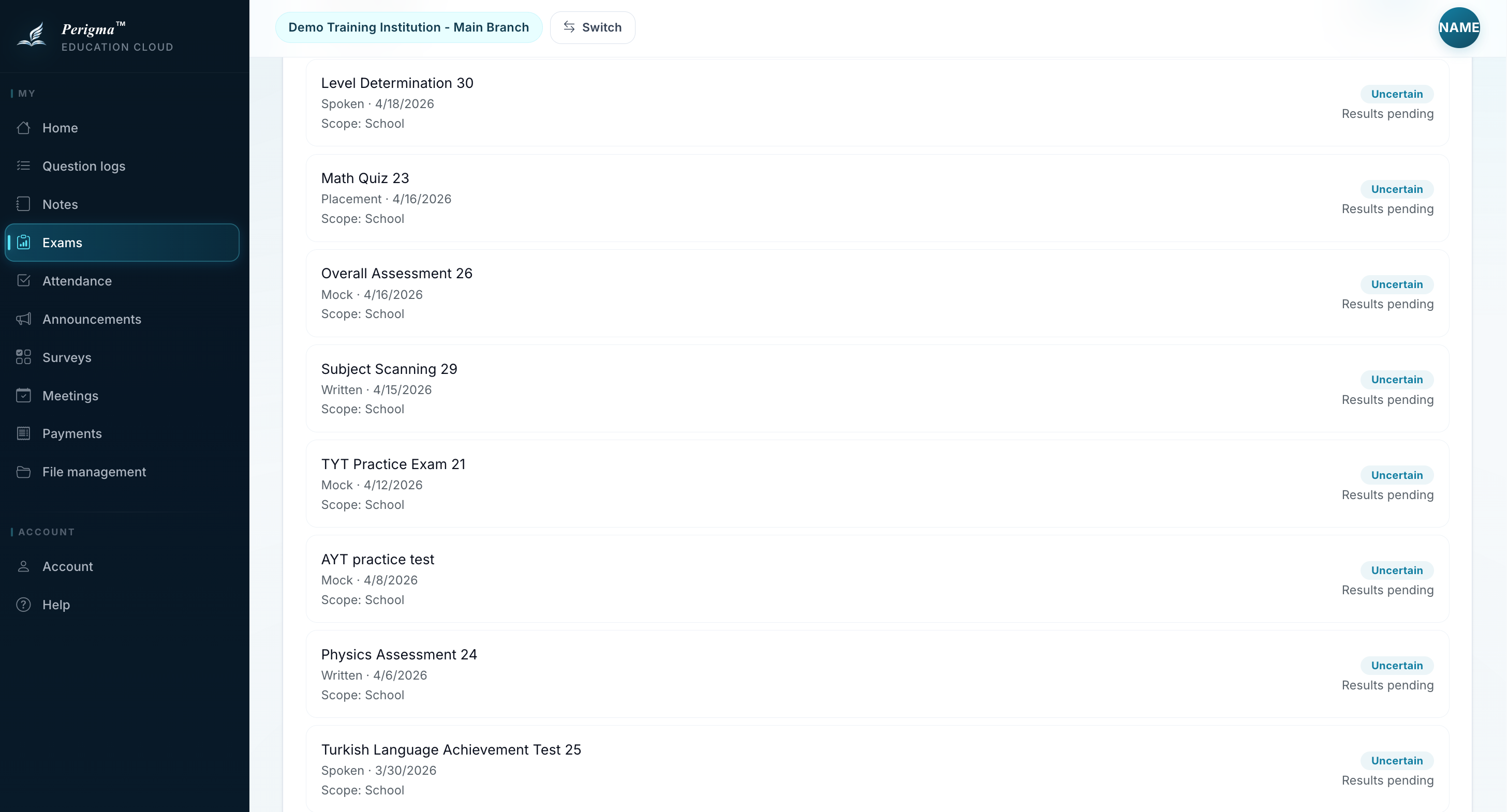
Image 2: Exam list
Exam Detail
When you click an exam, detailed data is shown:
Score Details
| Field | Value |
|---|---|
| Score | 78 |
| Maximum Score | 100 |
| Percentage | 78% |
| Ranking | 5/32 |
Net Details (Multiple Choice)
| Field | Value |
|---|---|
| Total Questions | 40 |
| Correct | 32 |
| Incorrect | 6 |
| Blank | 2 |
| Net | 30.5 |
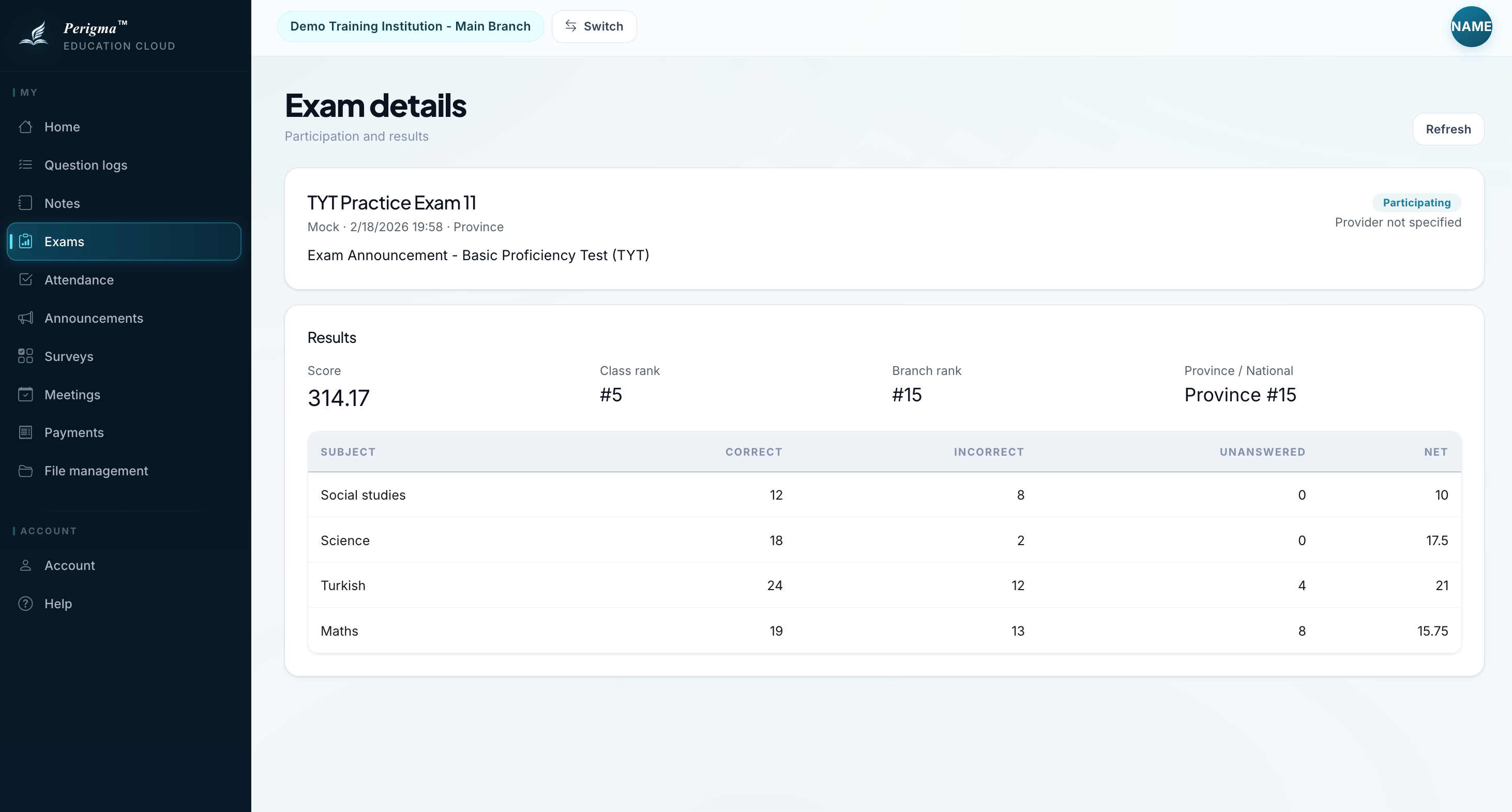
Image 3: Exam detail page
Term Trend
You can track score trends across the term on a chart.
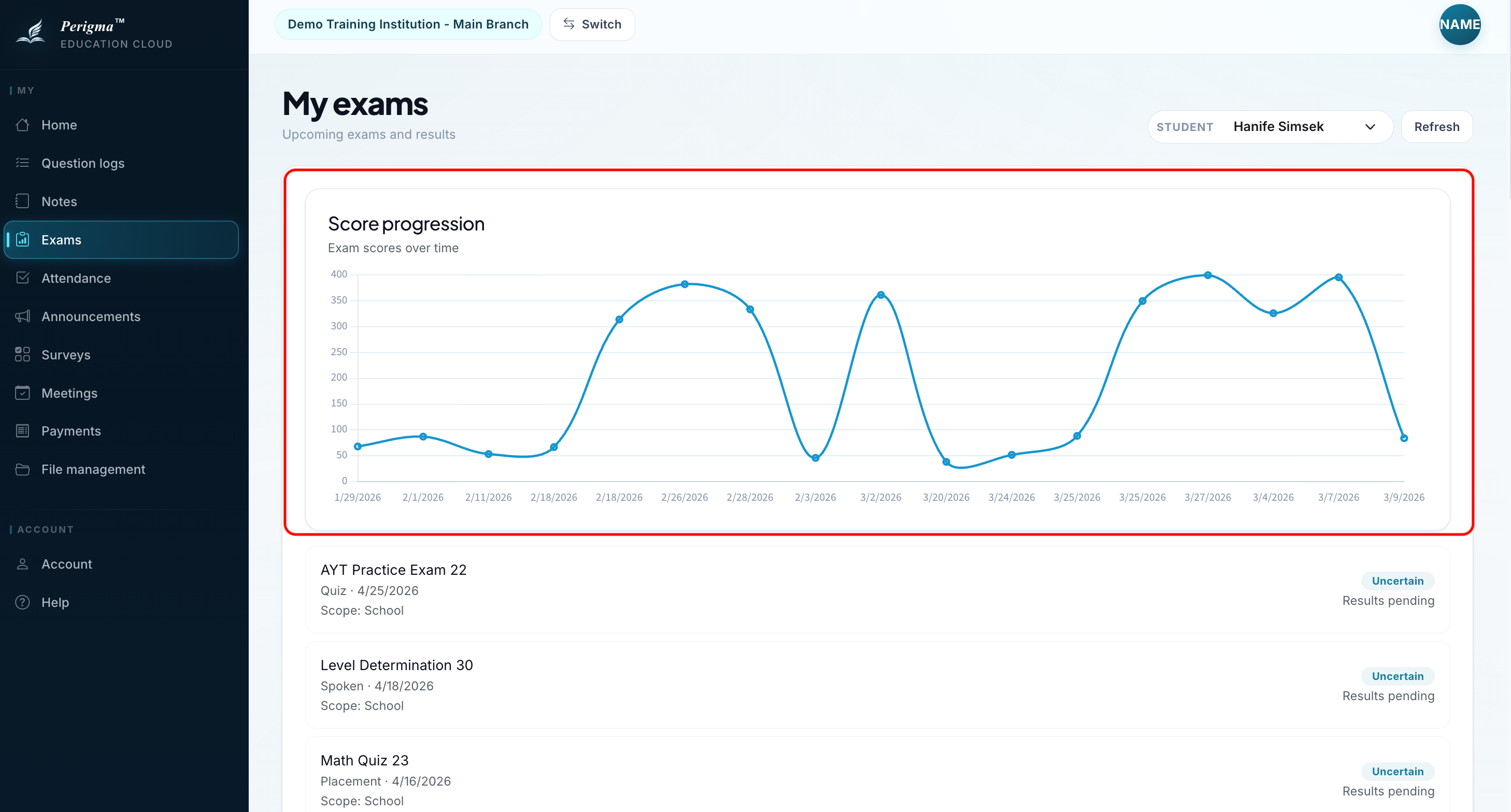
Image 5: Exam trend chart
SMS Notification
tip
You can receive automatic SMS when exam results are published. This requires "Exam Result SMS" to be enabled in institution settings.