Student Notes
In this section, you can view notes added by institution staff about your child.
Accessing Notes Page
Click Student Notes in the left menu, or open student detail and click "View Notes".
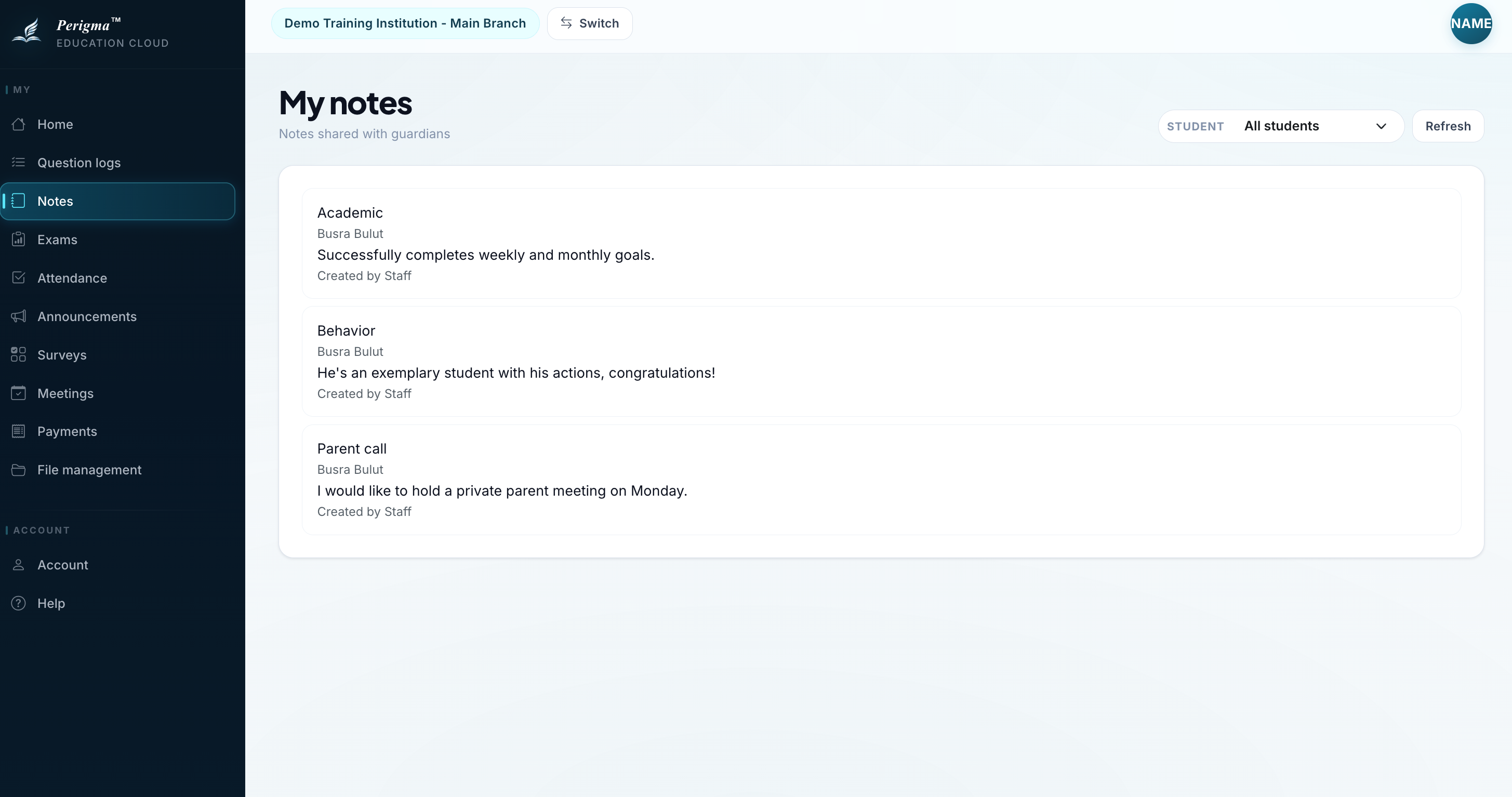
Image 1: Student notes page
What Is a Student Note?
Student notes are short records added by teachers or managers, such as:
- Behavior observations
- Performance evaluations
- Special situations
- Parent meeting summaries
Notes List
Notes are listed in chronological order:
| Date | Added By | Topic |
|---|---|---|
| 15.11.2024 | A. Yilmaz (Math) | Class participation |
| 10.11.2024 | B. Kaya (Manager) | Parent meeting |
| 05.11.2024 | C. Demir (Physics) | Project work |
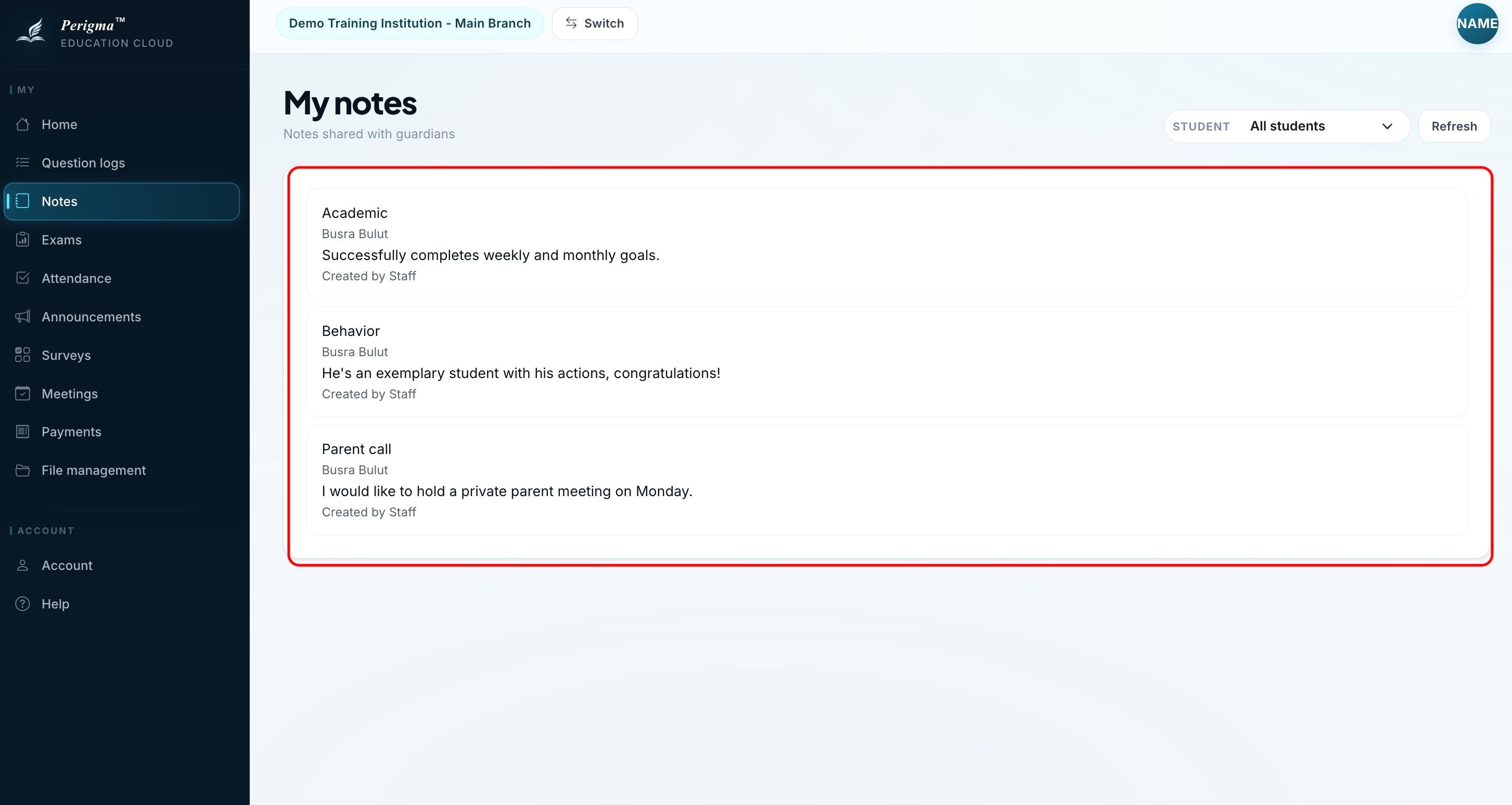
Image 2: Notes list
Privacy
info
Some notes are internal and visible only to institution staff. The notes shown here are marked as shareable with guardians.