Student Dashboard
The student dashboard is the main page you see after logging in to Perigma. It gives fast access to your most important information.
Dashboard Components
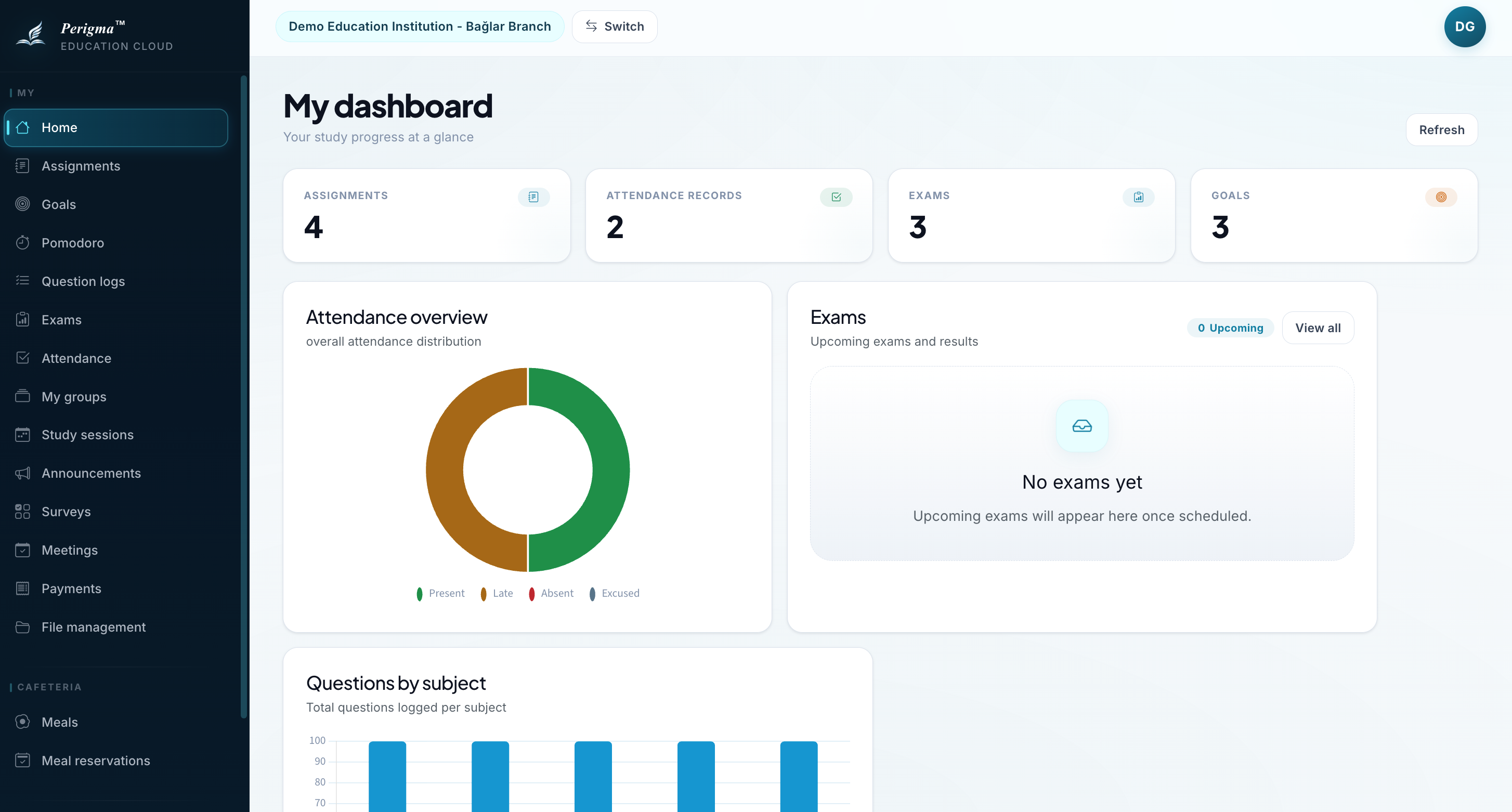
Image 1: Student dashboard overview
Welcome Card
Greets you with your name and current date.
Quick Access Buttons
One-click access to frequently used pages:
- My Assignments
- My Exams
- My Goals
- Pomodoro
Today's Meetings
Meetings planned for the current day are shown in a dedicated list on the dashboard.
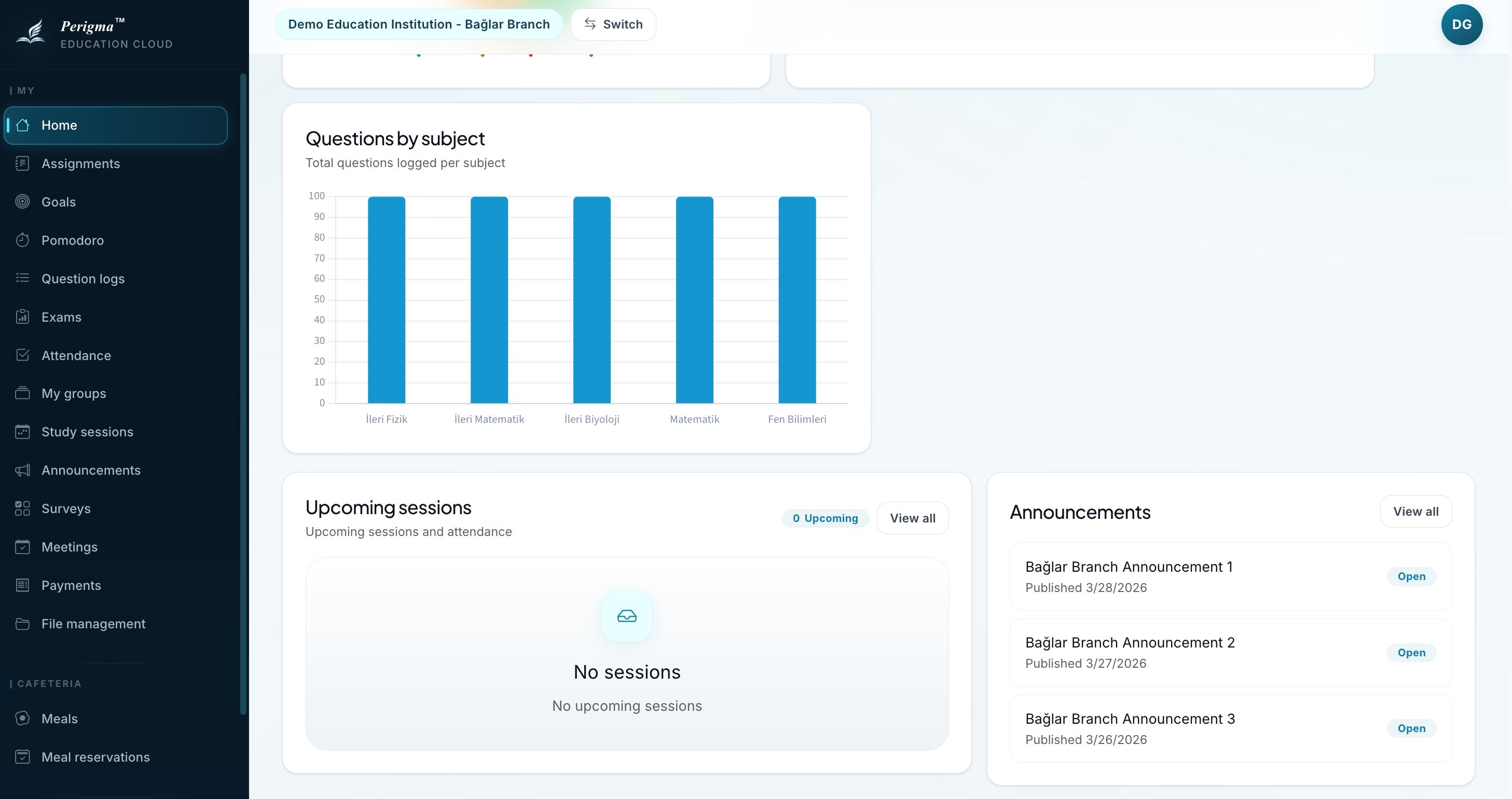
Image 2: Quick access buttons
Summary Cards
| Card | Content |
|---|---|
| Active Assignments | Number of assignments with upcoming due dates |
| Attendance Records | Number of attendance records for the student |
| Exams | Student exam list/results |
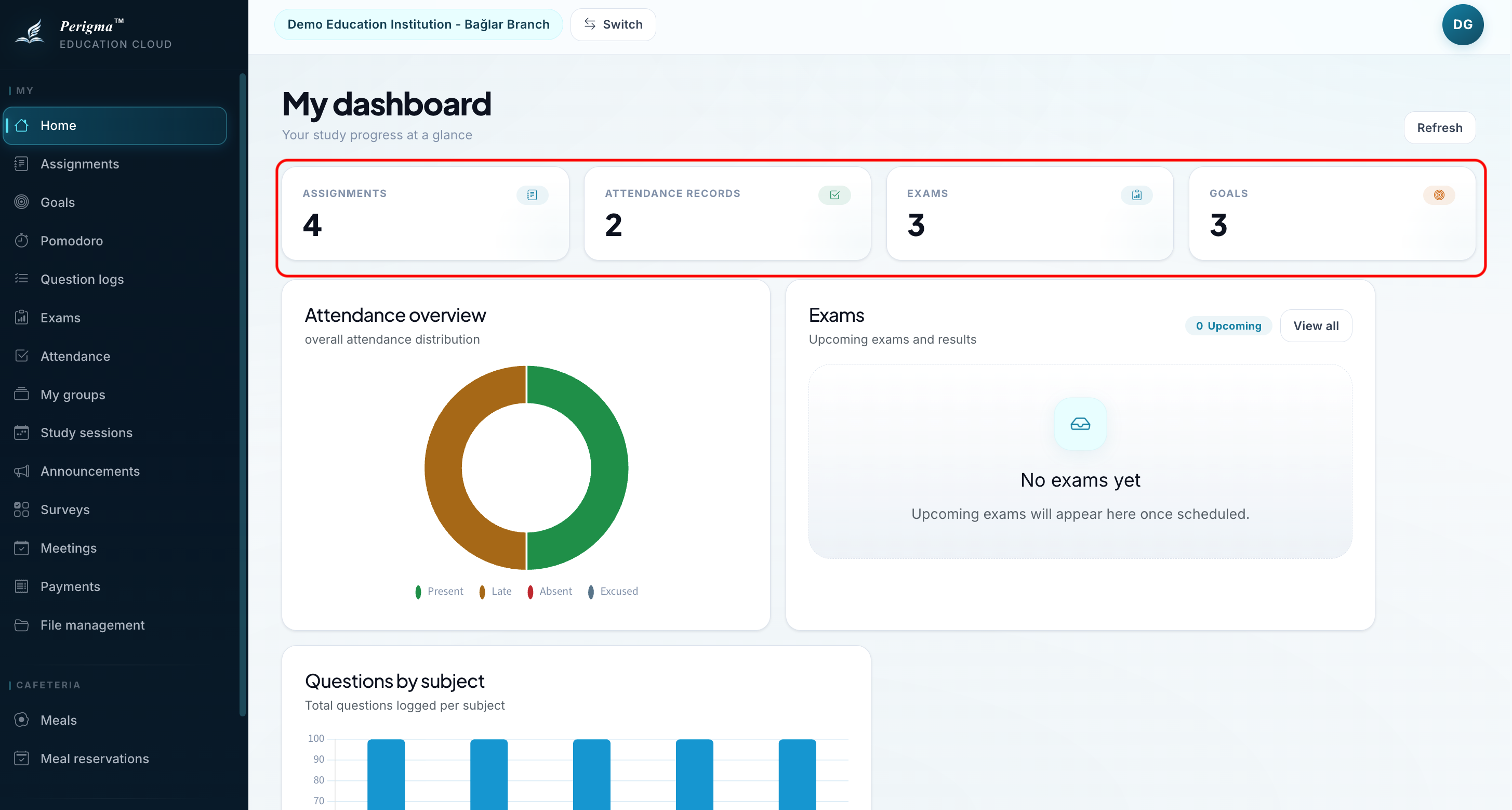
Image 3: Summary cards
Left Navigation Menu
You can access all sections from the left menu:
| Menu | Description |
|---|---|
| Home | This dashboard page |
| My Assignments | All assignments |
| My Exams | Exam results |
| My Attendance | Attendance record |
| My Goals | Study goals |
| Pomodoro | Focus timer |
| My Question Logs | Solved-question records |
| My Groups | Enrolled groups |
| My Study Sessions | Study session calendar |
| My Payments | Installment status |
| Profile | Account settings |
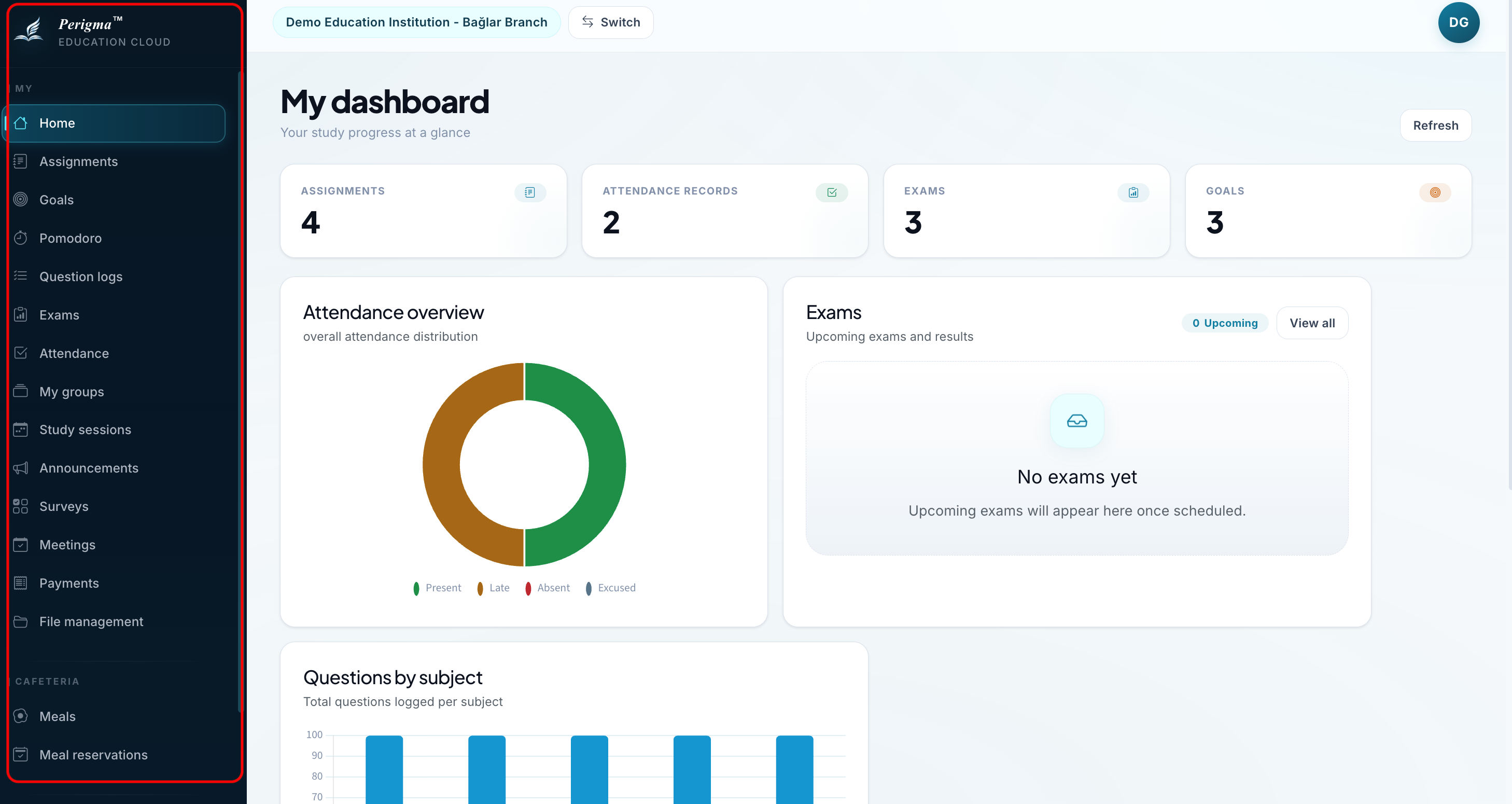
Image 4: Left menu
Today's Meetings Section
This section lists only meetings planned for the current day. Each item can be opened from the dashboard.
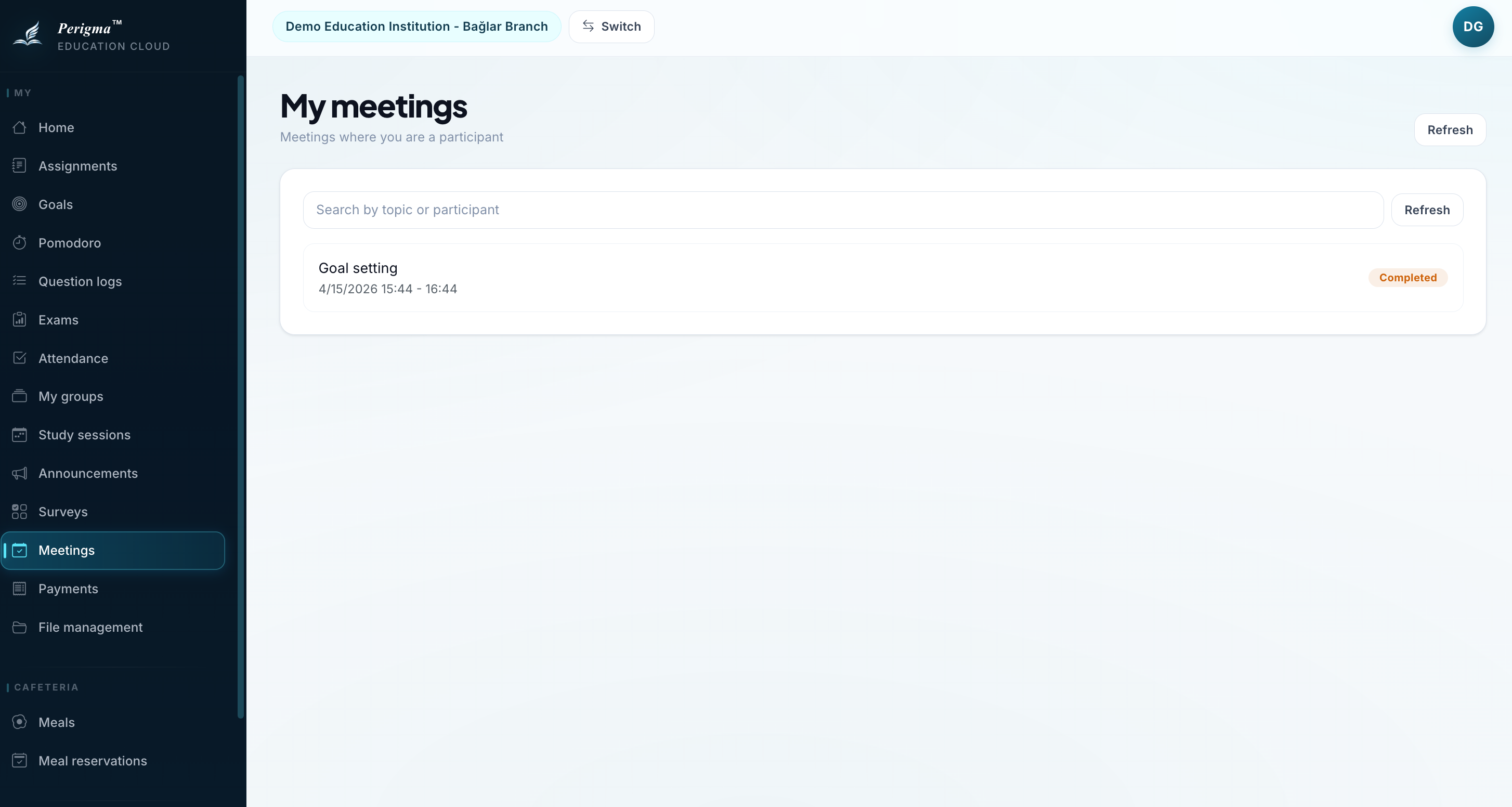
Image 5: Today's meetings list