Guardian Dashboard
The guardian dashboard is the main page you see after logging in to Perigma. It provides quick access to important information about your child's education process.
Dashboard Components
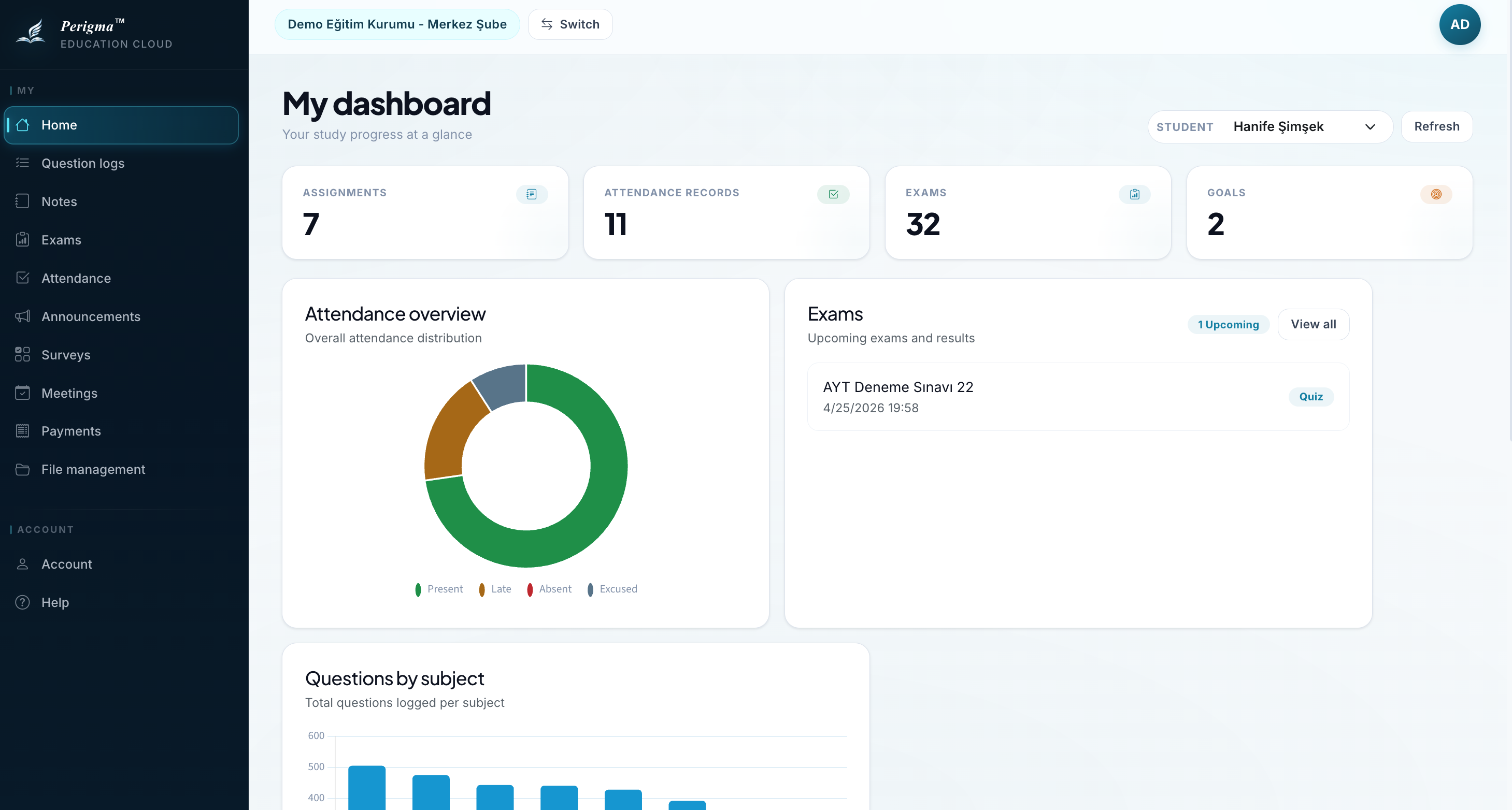
Image 1: Guardian dashboard overview
Welcome Card
Greets you with your name and the number of linked students.
Student Selector
If you have multiple children, you can select which student to track from the selector at the top.
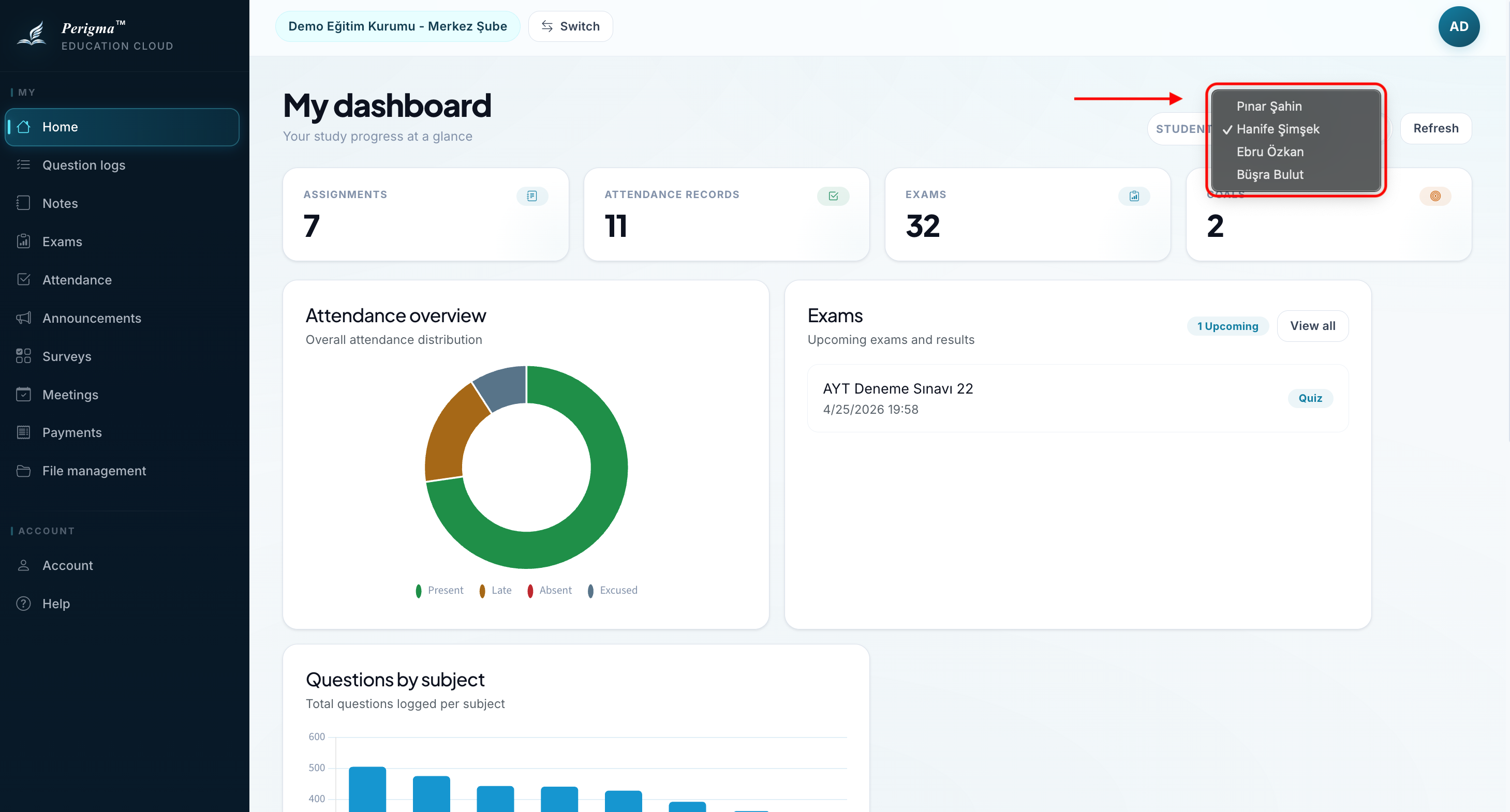
Image 2: Student selector dropdown
Summary Cards
For the selected student, the following summaries are shown:
| Card | Content |
|---|---|
| Today's Attendance | Participation status for today's lessons |
| Active Assignments | Number of pending assignments |
| Attendance Records | Attendance record summary for the selected student |
| Exams | Exam list/results for the selected student |
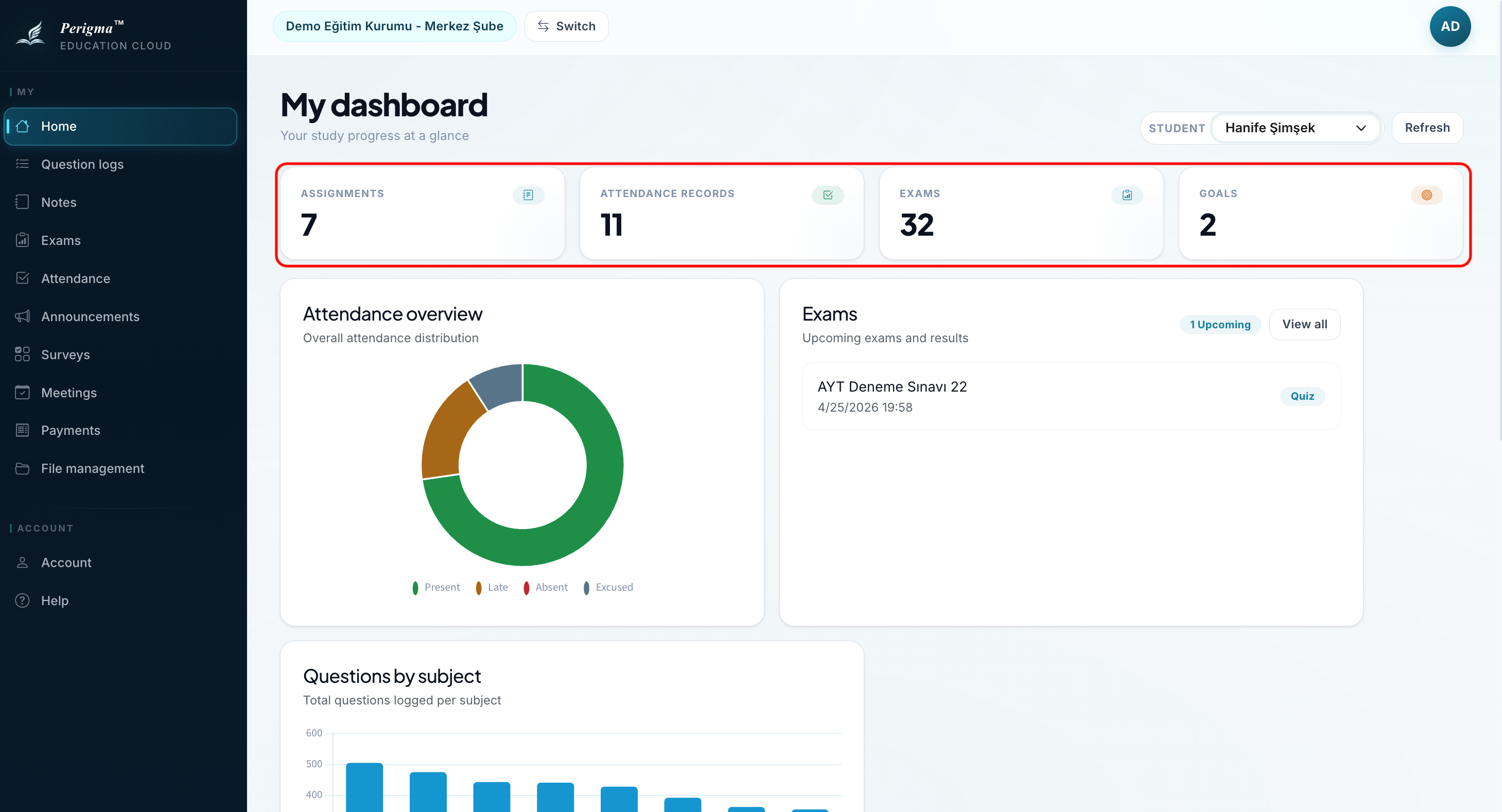
Image 3: Summary cards
Quick Access
One-click access to common sections:
- Attendance History: Absence tracking
- Exam Results: All exams
- Payments: Installment status
- Announcements: Institution announcements
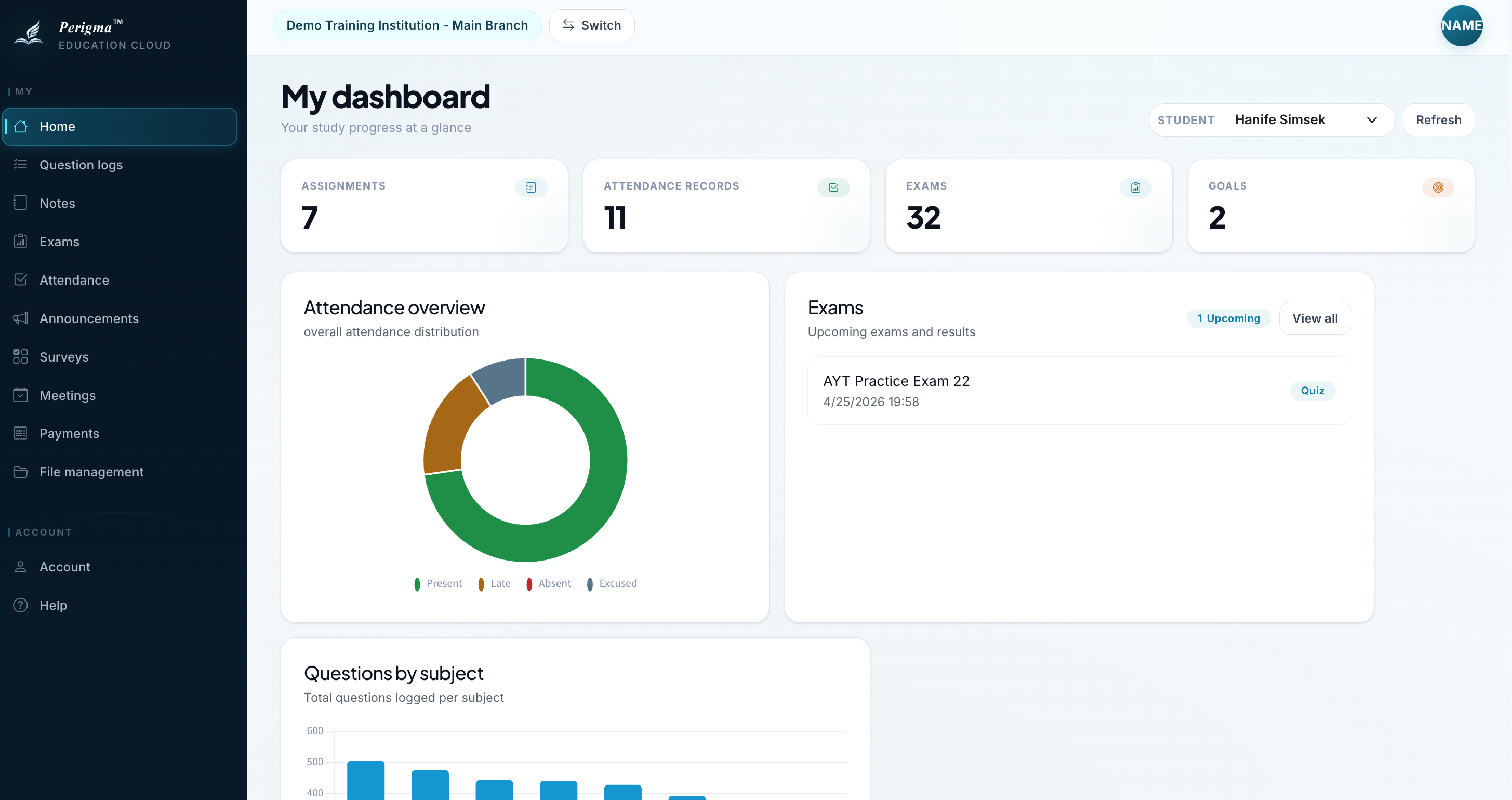
Image 4: Quick access buttons
Left Menu Navigation
| Menu | Description |
|---|---|
| Home | This dashboard |
| My Students | List of linked students |
| Attendance | Absence tracking |
| Exams | Exam results |
| Payments | Installments and payment notices |
| Student Notes | Notes about the student |
| Announcements | Institution announcements |
| Profile | Account settings |
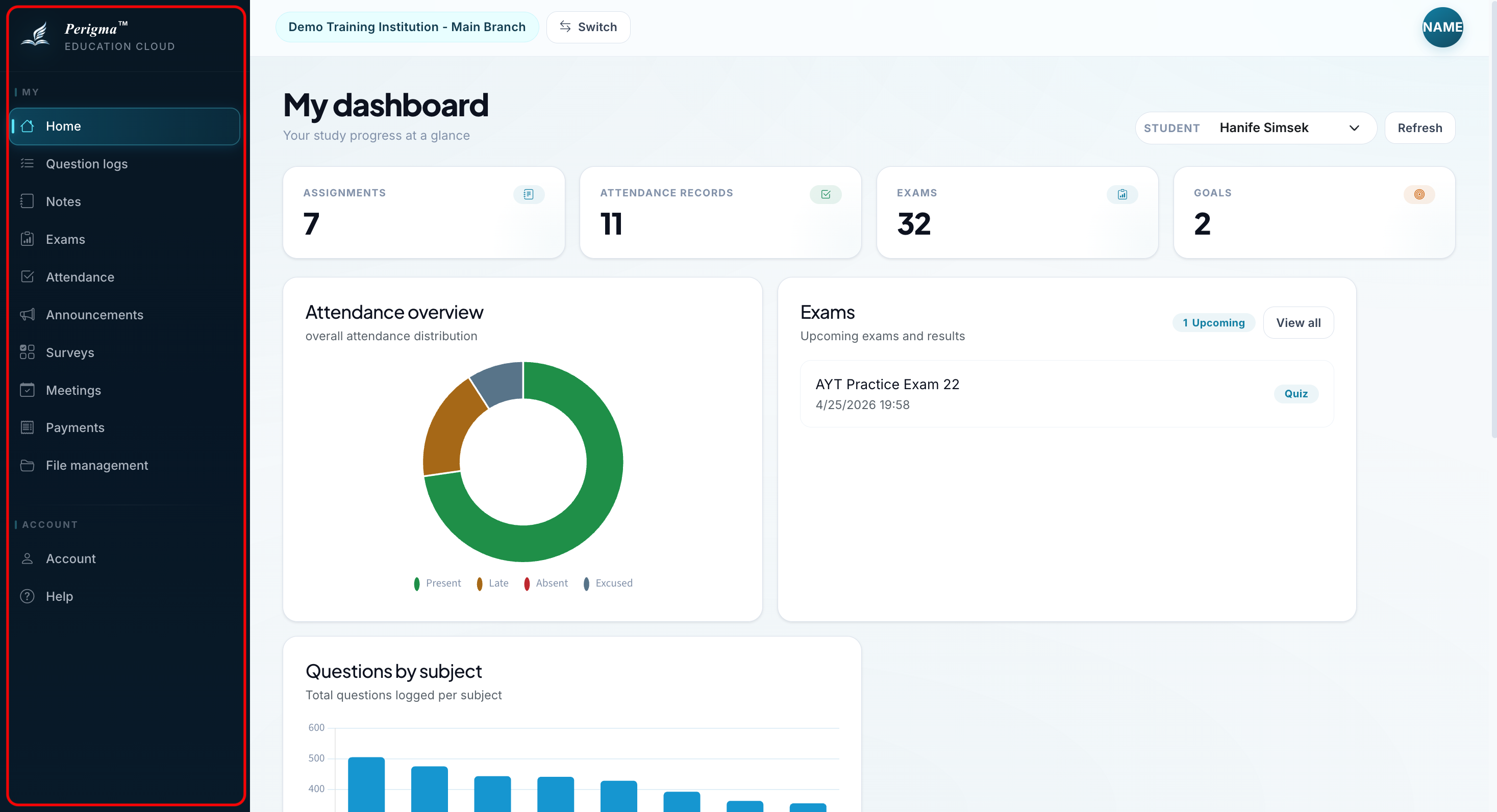
Image 6: Left menu