Manager Role
The Manager role is responsible for academic and operational management of one or more branches.
Overview
This role is typically assigned to branch managers, education coordinators, or academic managers. Managers can:
- Access data for assigned branch(es)
- Manage students, guardians, and staff
- Manage academic processes (courses, groups, exams)
- Perform financial operations within allowed scope
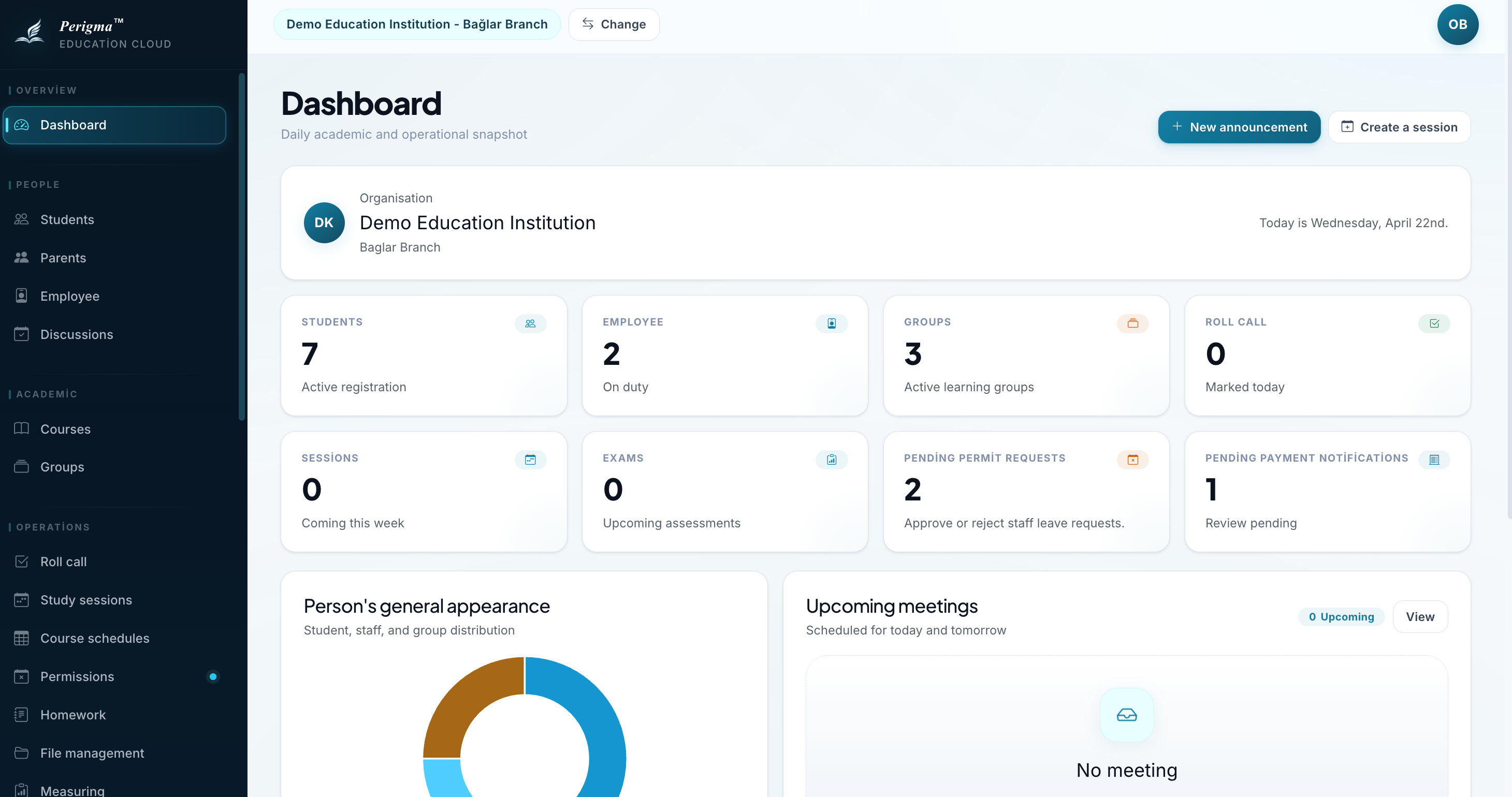
Image 1: Manager dashboard
Accessible Modules
| Module | Access Level |
|---|---|
| Dashboard | Branch-based statistics, meeting panels, and role-based pending review cards |
| Student Management | Full access - assigned branches |
| Guardian Management | Full access - assigned branches |
| Staff Management | Full access - assigned branches |
| Courses | Full access |
| Groups | Full access |
| Attendance | Full access |
| Assignments | Full access |
| Exams | Full access |
| Study Sessions | Full access |
| Cafeteria | View only |
| Finance | Contract and installment management (excluding product definitions) |
| Communication | Announcement management (excluding SMS settings) |
| Institution Settings | Classroom, level, and academic year management |
| Meetings | Full access |
| Approvals | Branch-based approvals |
Differences from Administrator
| Action | Administrator | Manager |
|---|---|---|
| SMS integration settings | Yes | No |
| Define financial products | Yes | No |
| Update institution profile | Yes | No |
| Update branch details | Yes | No |
| Create student contracts | Yes | Yes |
| Approve staff leave | Yes | Yes |
Typical Tasks
Daily
- Track attendance and absentee patterns
- Review incoming approval requests
- Resolve daily operational issues
Weekly
- Review and update timetable
- Organize meetings
- Plan study sessions
Monthly
- Build exam calendar
- Review performance reports
- Monitor installment collection status
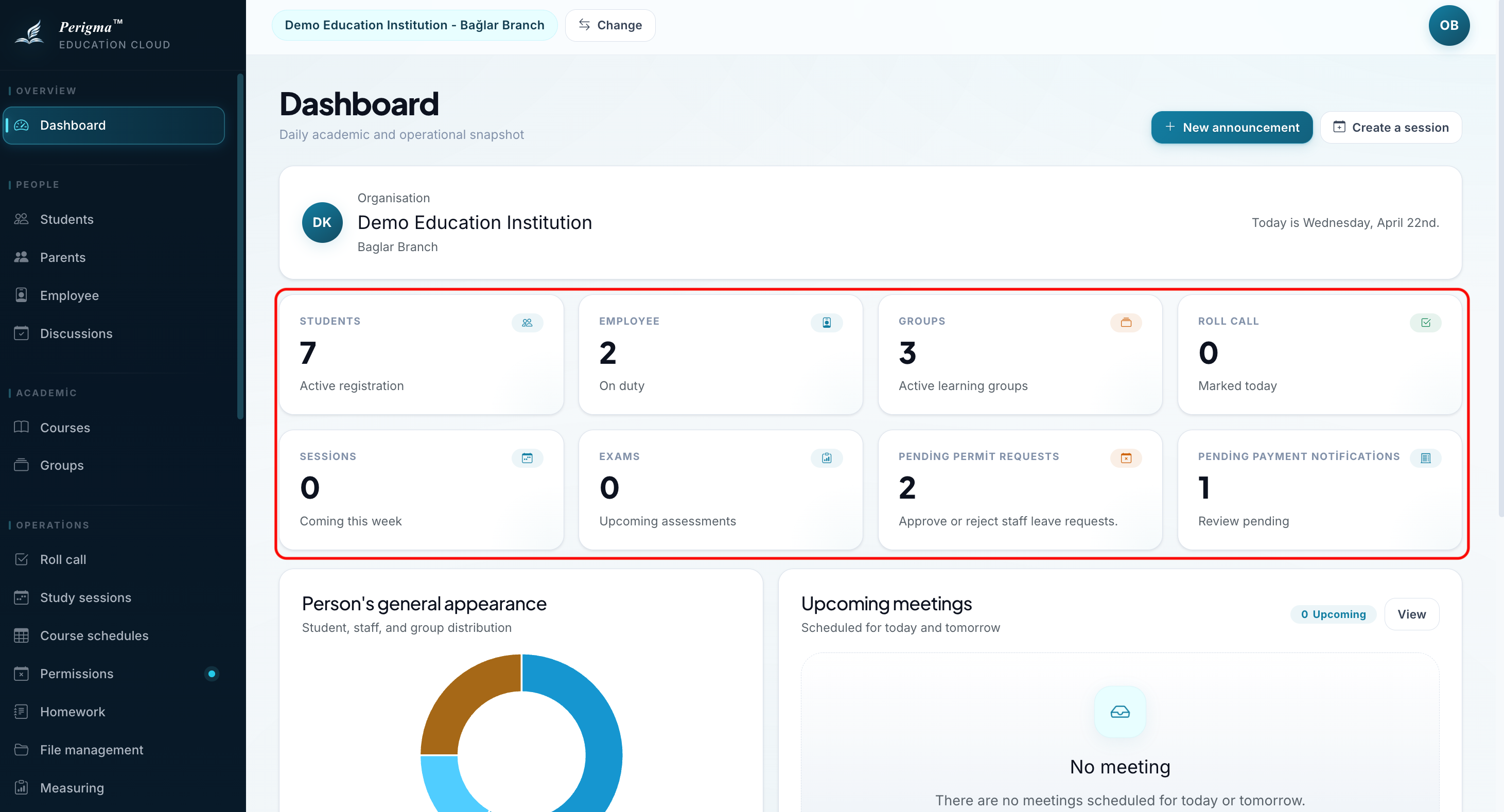
Image 2: Manager task calendar example
Branch-Based Access
Managers can access data for assigned branches only. Managers assigned to multiple branches can view data for all assigned branches.
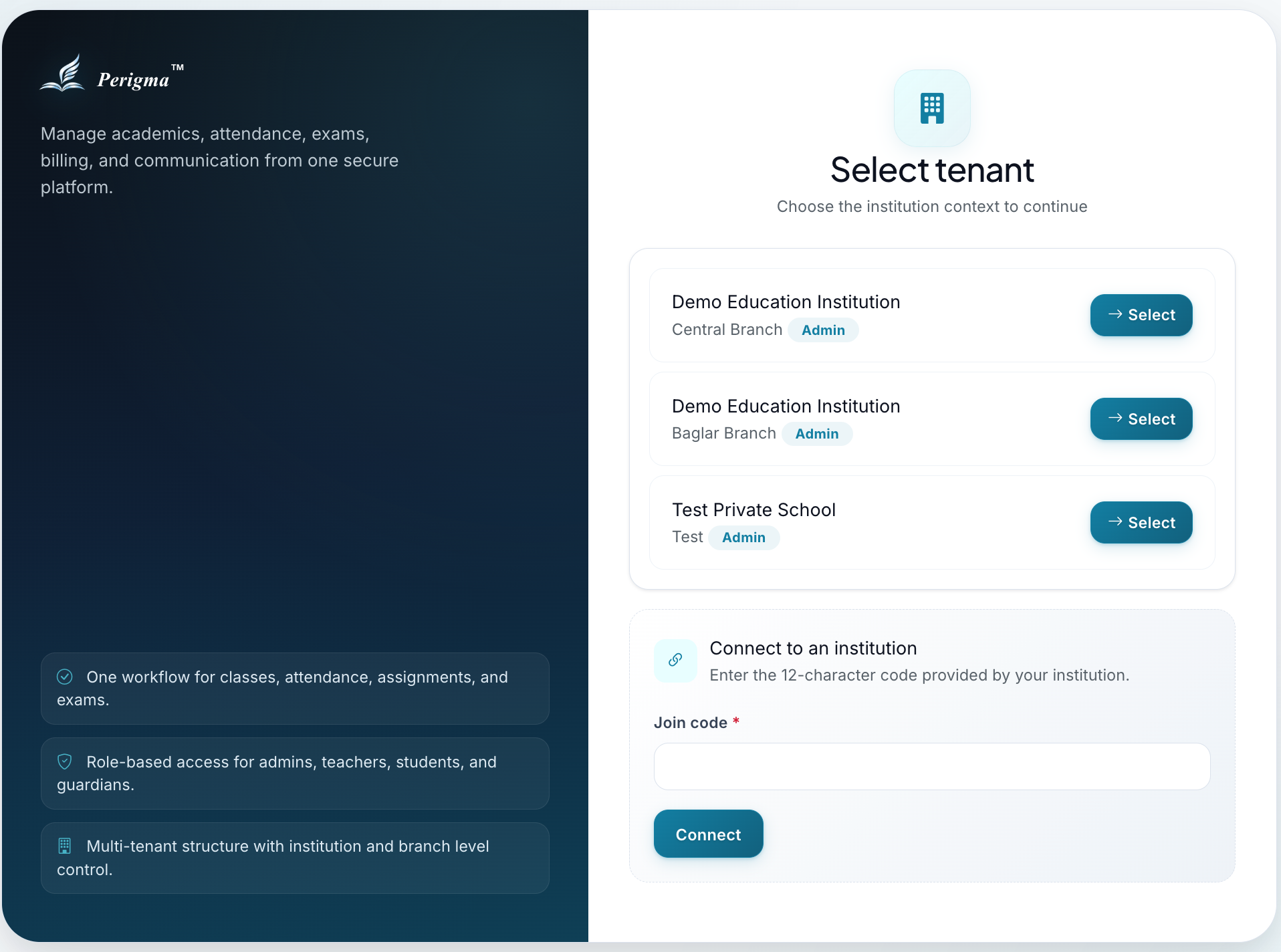
Image 3: Branch selection menu