Guardian Role
The Guardian role is for parents or legal guardians of students. Guardians can monitor their children's education process.
Overview
Guardians can:
- View records of linked students
- Track attendance
- View assignments and exam results
- Read announcements
- Send payment notices
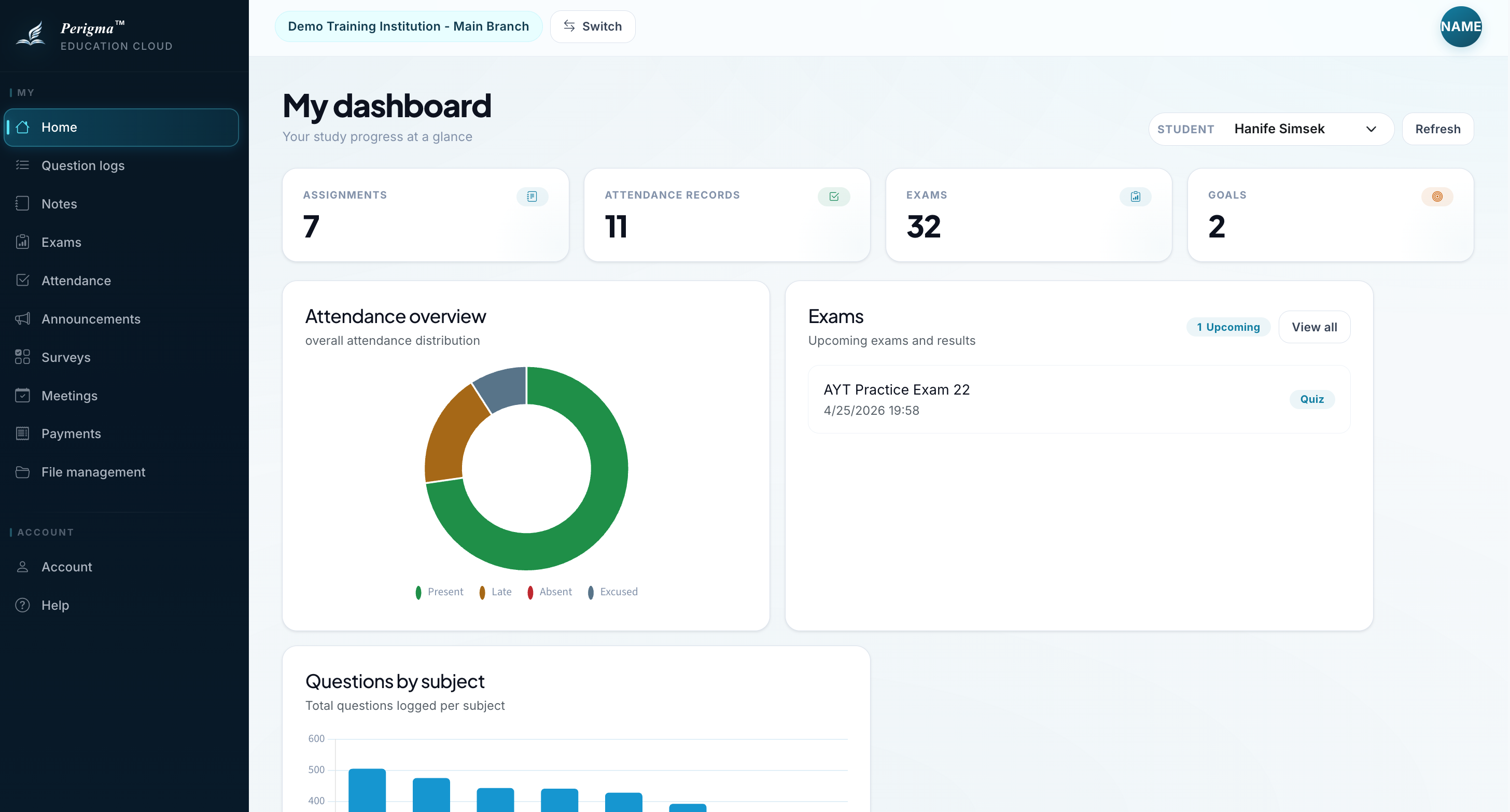
Image 1: Guardian home page
Accessible Sections
| Section | Description |
|---|---|
| Home | Summary cards and quick access |
| My Students | List of linked students |
| Attendance | Absence history |
| Exam Results | Exam grades |
| Payments | Installment status and payment notice submission |
| Announcements | Institution announcements |
| Profile | Account settings |
How to Register
After the institution adds guardians to the system, they activate accounts with a join code:
- Download the Perigma app or visit app.perigma.com
- Select "Already Have an Account?" → "Join Institution"
- Enter the 6-digit code received by SMS
- Set your password
See Join Institution for details.
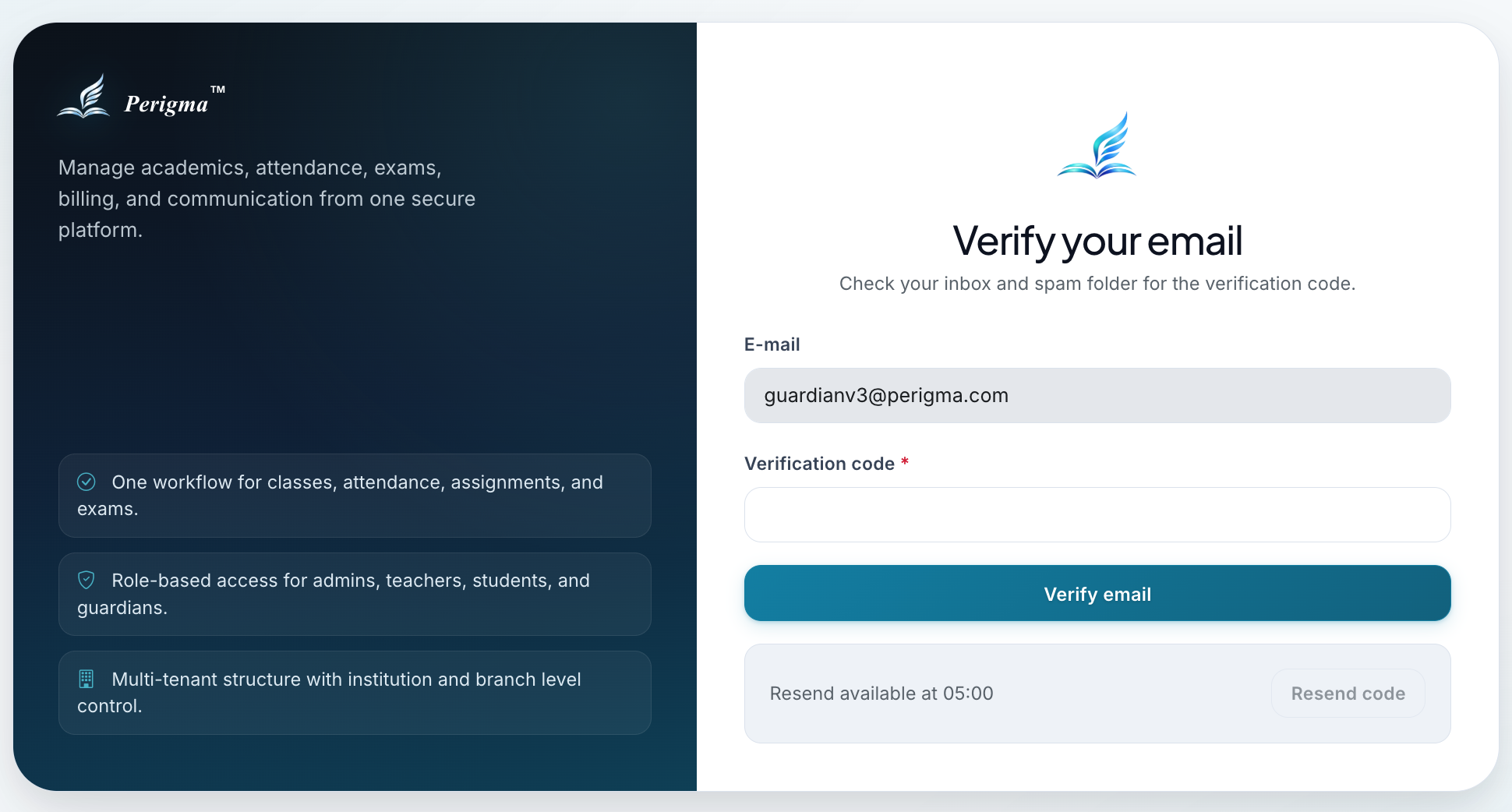
Image 2: Guardian institution join screen
Student Tracking
Attendance View
- View daily status (Present, Absent, Excused, Late)
- Filter by date range
- View total absences
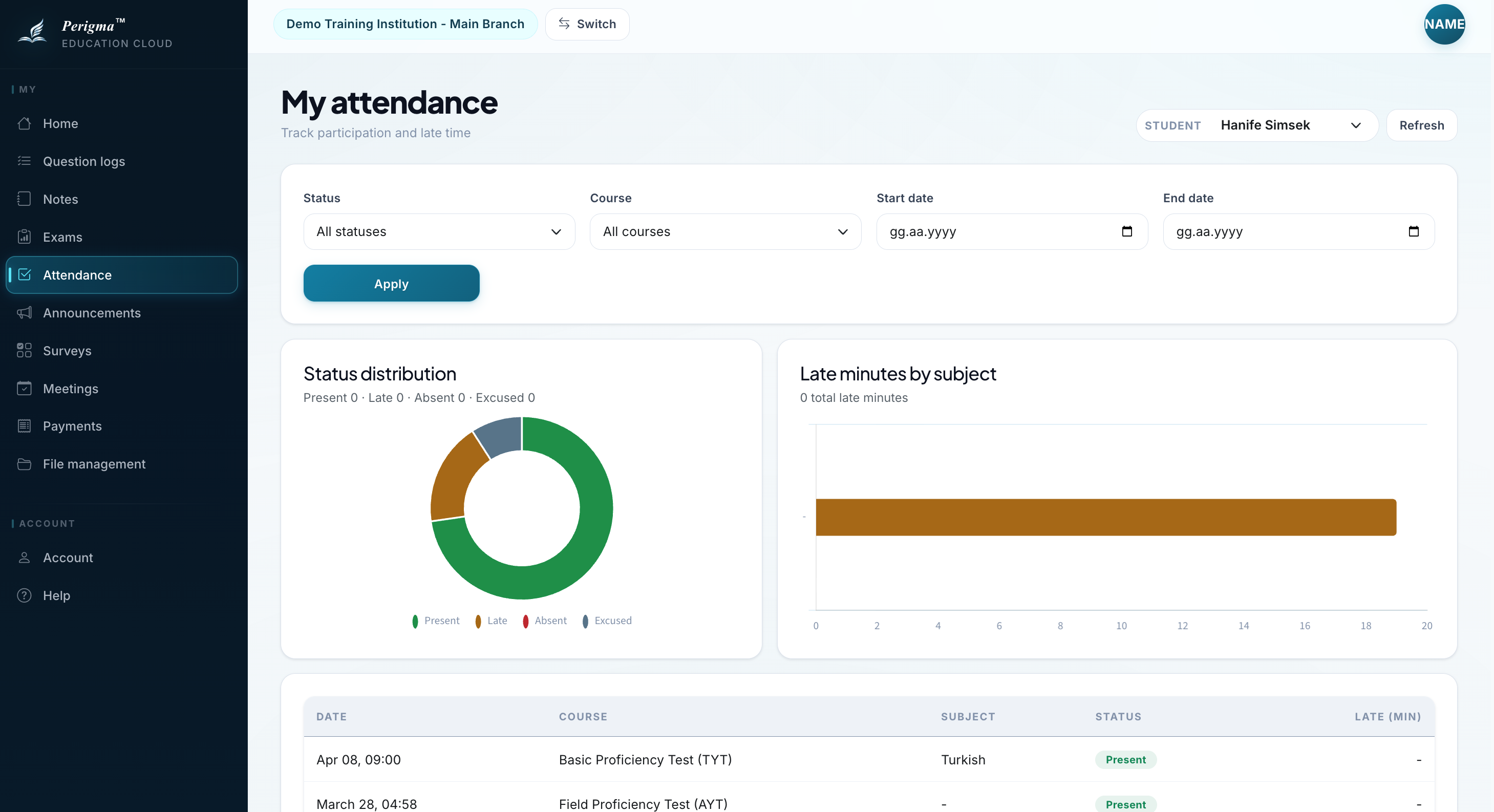
Image 3: Guardian attendance history
Exam Results
- Exam name, date, and score
- Comparison with class average
- Net scores for multiple-choice exams
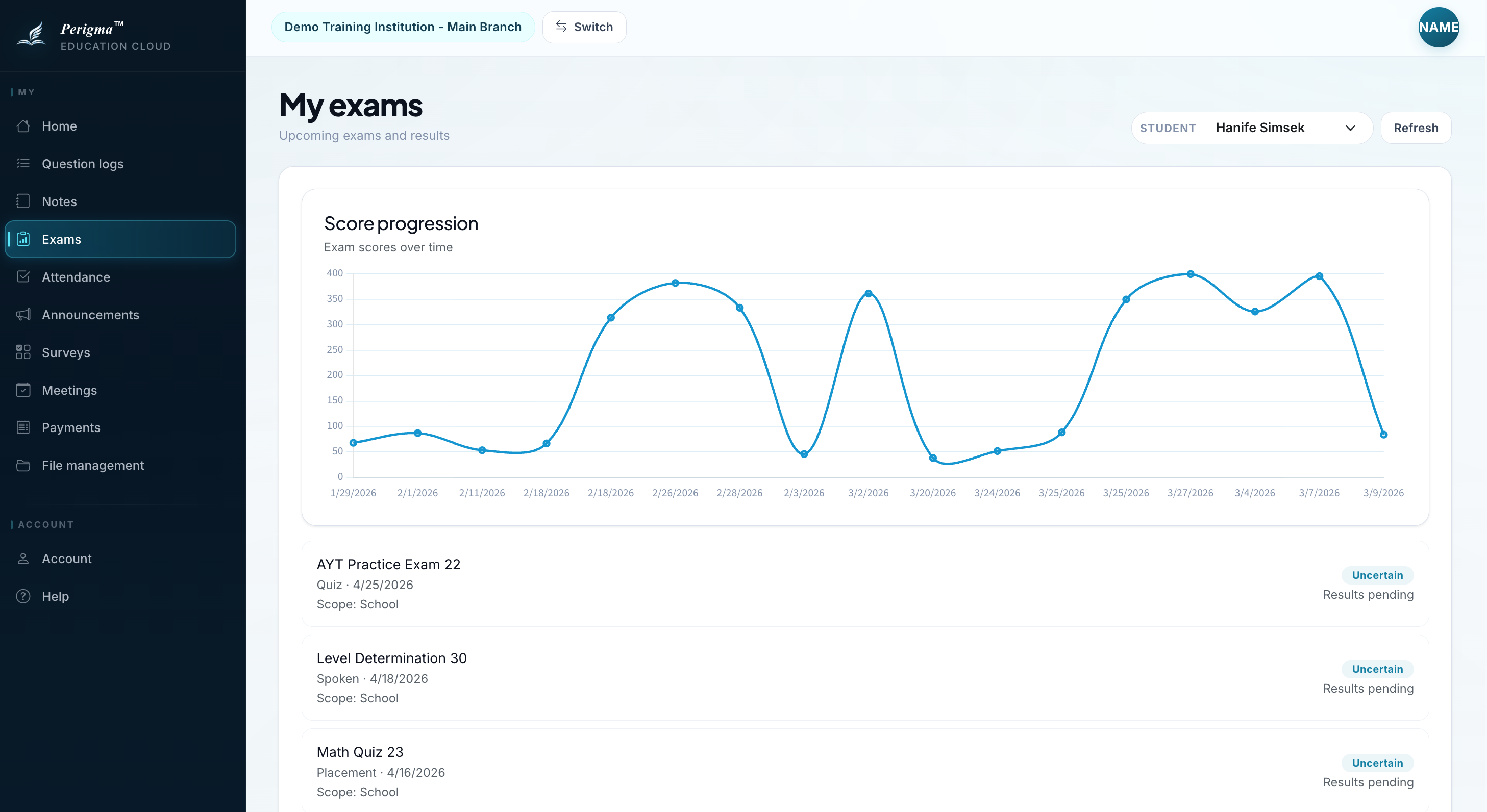
Image 4: Guardian exam results
Assignments
- Active assignment list
- Due dates
- Submission status
Payment Operations
Guardians can view installments for active contracts and submit payment notices:
- Go to Payments
- View pending installments
- Click "Send Payment Notice"
- Upload receipt and submit
When approved by the institution, the installment is marked as "Paid".
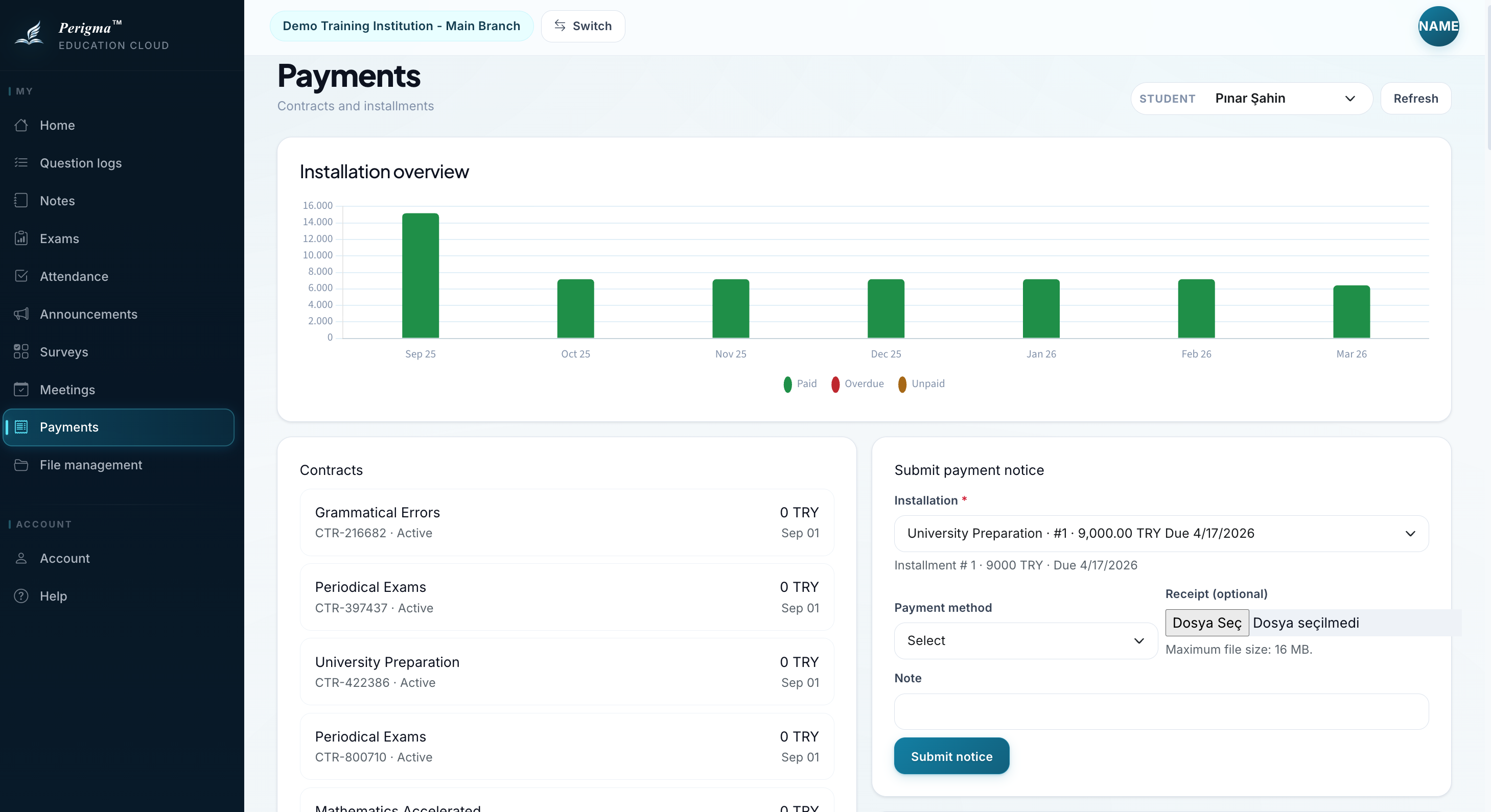
Image 5: Guardian payment notice submission
Announcements
Guardians can read institution announcements from Announcements.
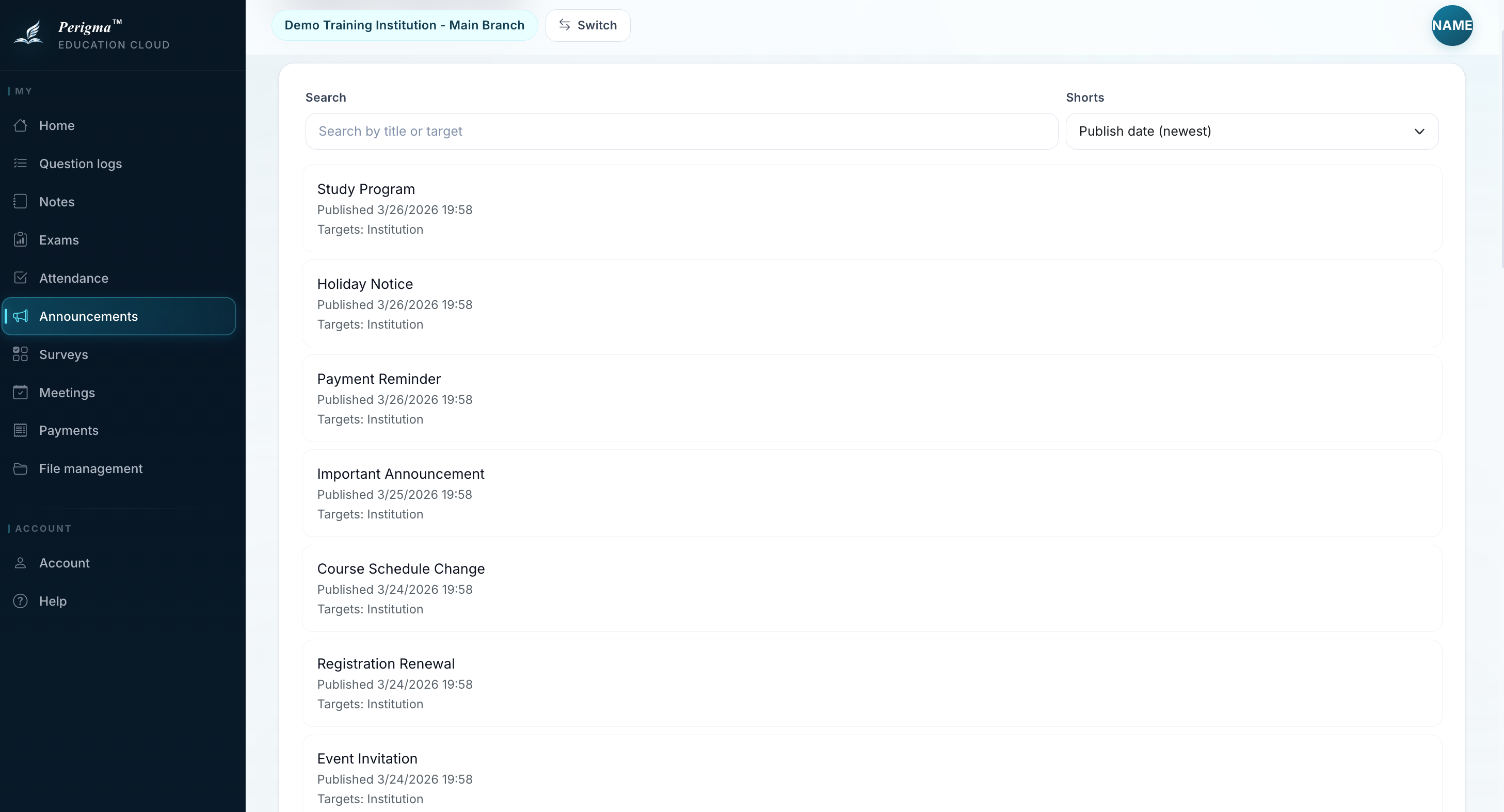
Image 6: Guardian announcements view