Student Role
The Student role is for learners receiving education from the institution. Students can track their own progress and use study tools.
Overview
Students can:
- View their attendance, assignments, and exam records
- Set and track study goals
- Study with Pomodoro timer
- Keep question-solving logs
- Make meal reservations
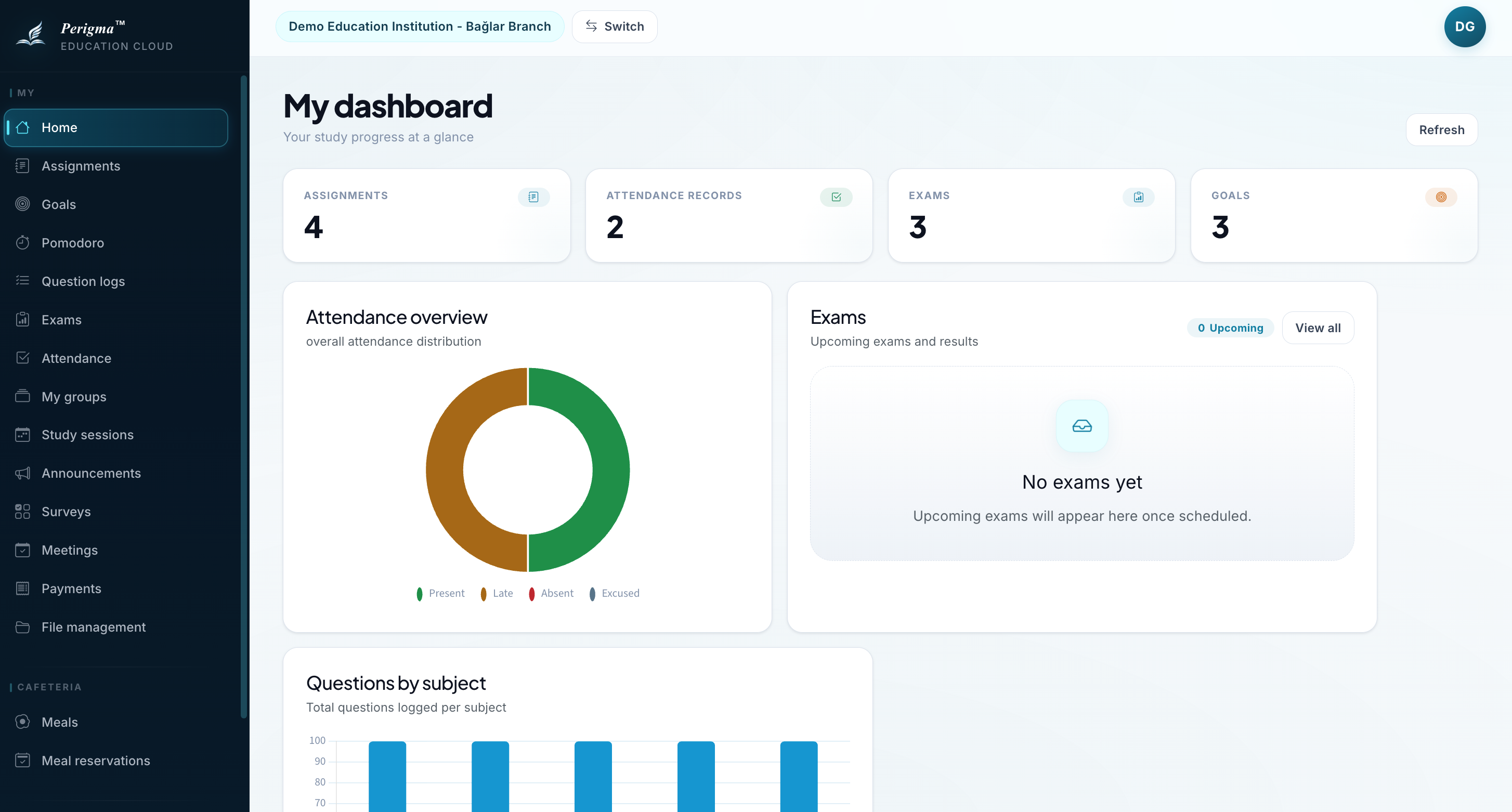
Image 1: Student home page
Accessible Sections
| Section | Description |
|---|---|
| Home | Summary cards and quick access |
| My Assignments | Active and past assignments |
| My Exams | Exam results |
| My Attendance | Absence history |
| My Goals | Study goals |
| Pomodoro | Timer-based study |
| My Question Logs | Solved-question tracking |
| My Groups | Enrolled groups |
| My Study Sessions | Planned study hours |
| My Payments | Installment status |
| Profile | Account settings |
How to Register
After students are added by the institution, they activate their account with a join code:
- Download the Perigma app or visit app.perigma.com
- Select "Already Have an Account?" → "Join Institution"
- Enter the 6-digit code sent by SMS
- Set your password
See Join Institution for details.
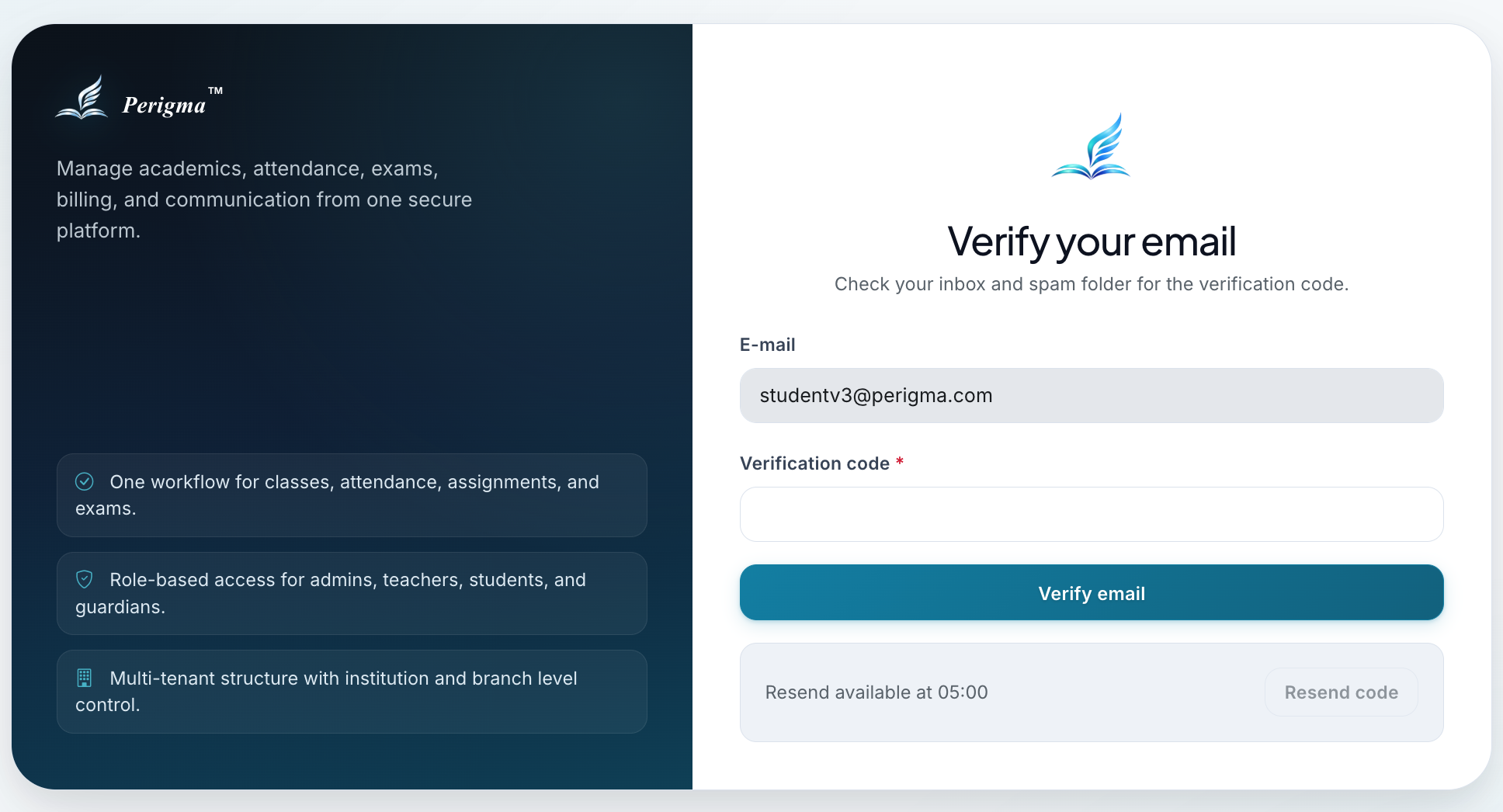
Image 2: Student institution join screen
Student Tools
Goal Setting
Create daily, weekly, or monthly goals:
- Question count goals
- Study time goals
- Course-based distribution
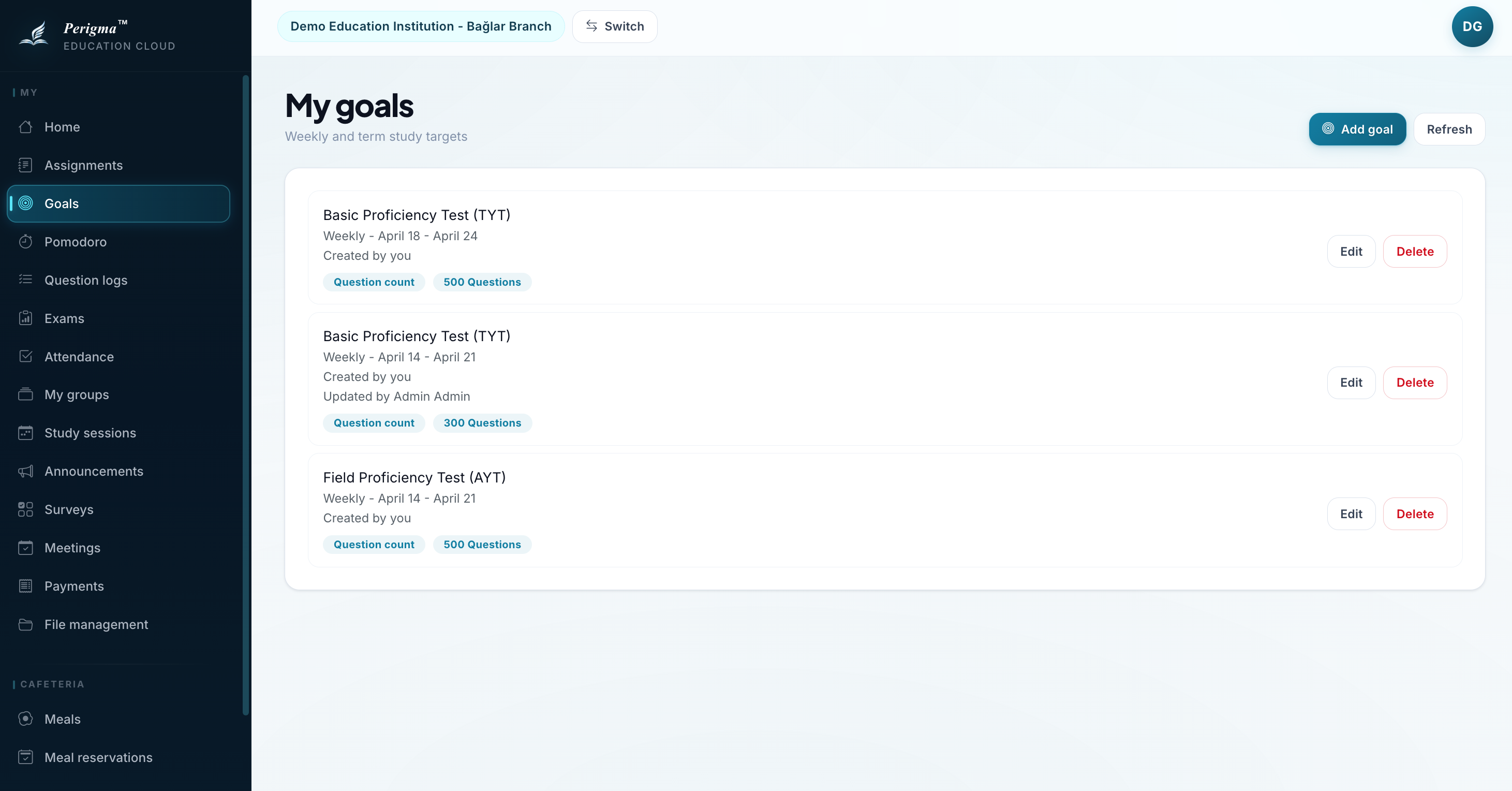
Image 3: Student goal creation
Pomodoro Timer
Focus sessions with 25-minute cycles:
- Customizable durations
- Break reminders
- Completed session tracking
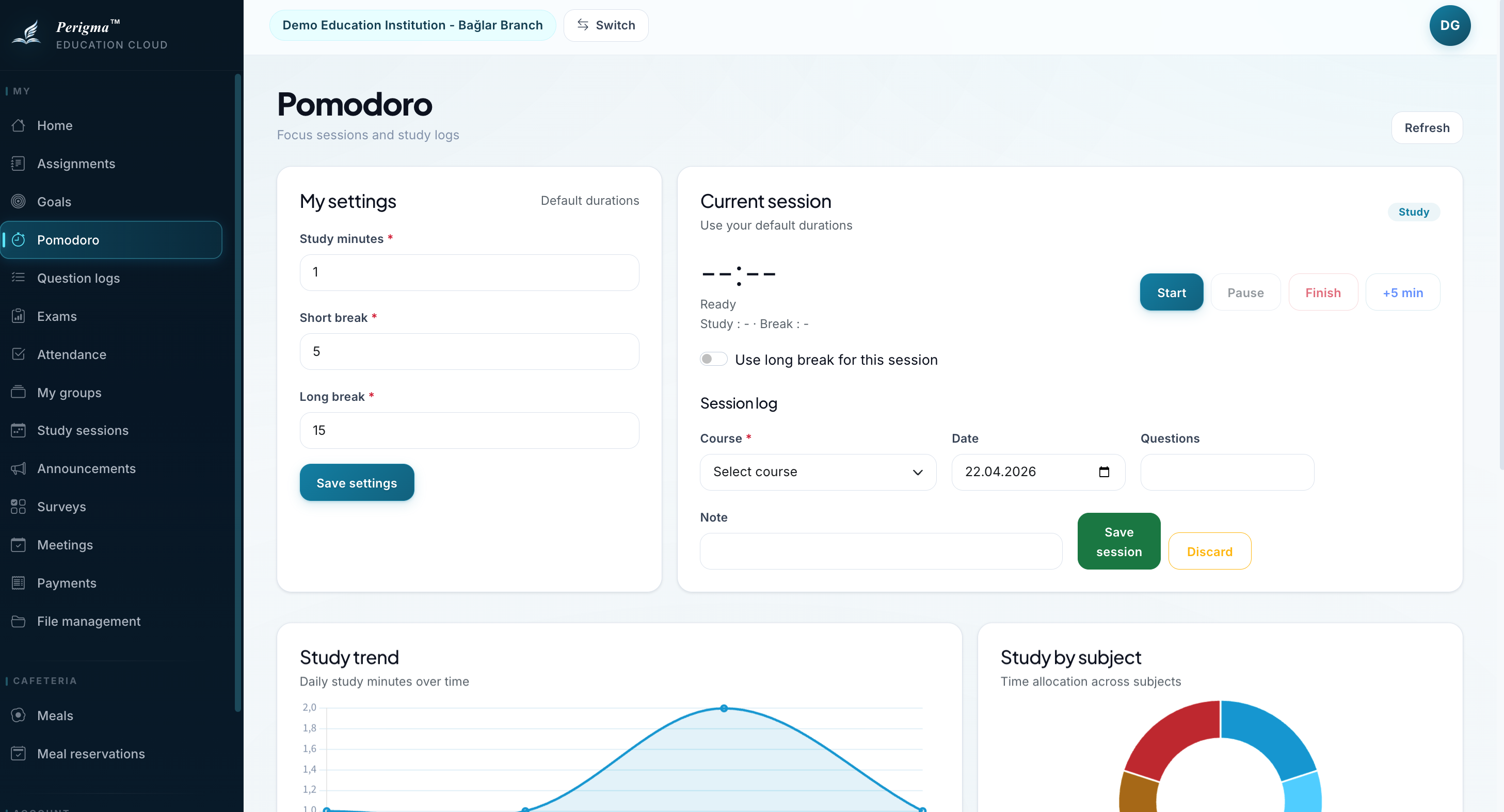
Image 4: Pomodoro timer
Question Log Tracking
Save solved questions and monitor progress:
- Add logs by course and subject
- Mark correct/incorrect
- View daily/weekly charts
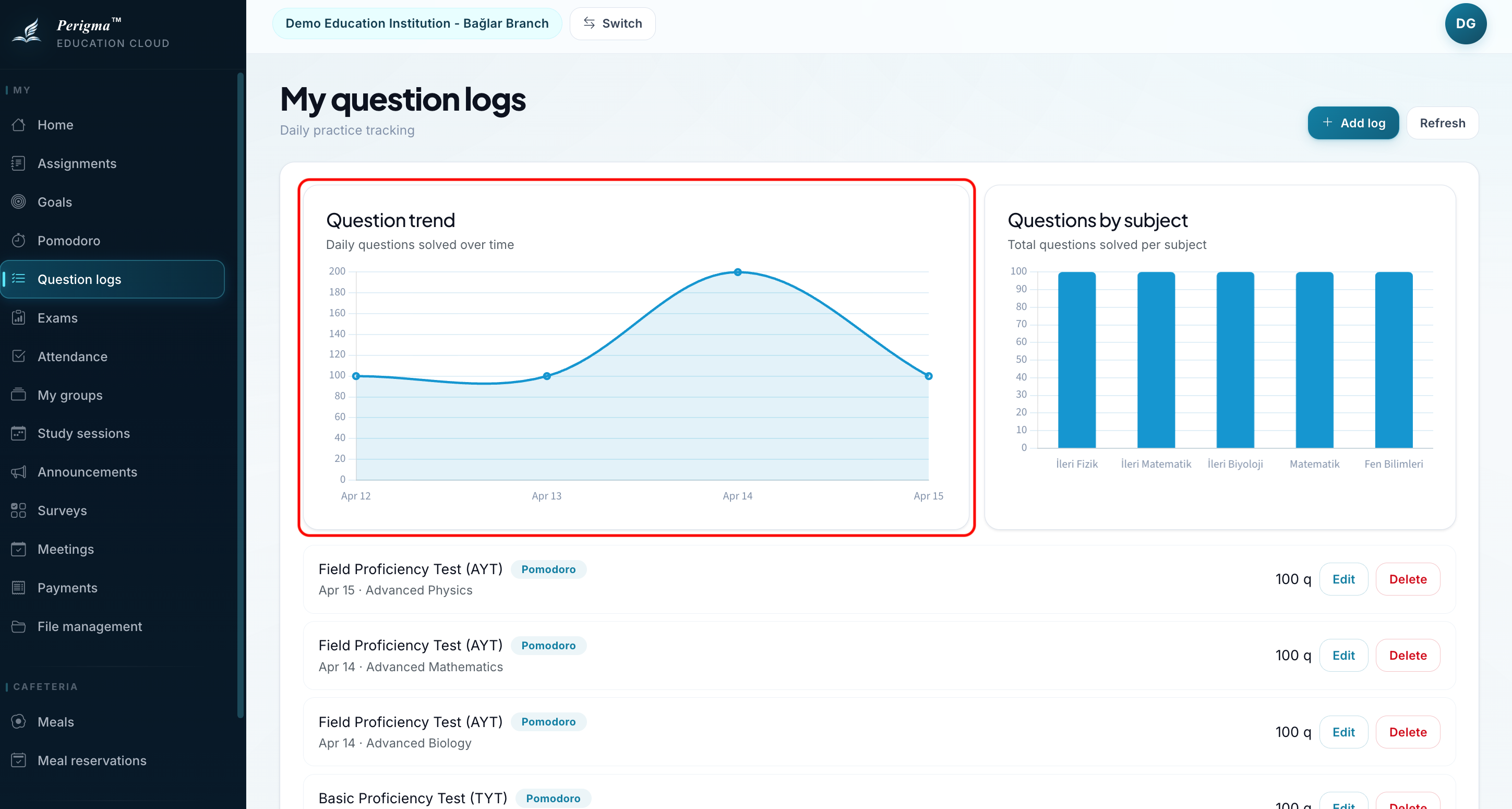
Image 5: Question-solving chart
Assignment Tracking
- Go to My Assignments
- View active assignments
- Download attachments
- Upload files if submission is required
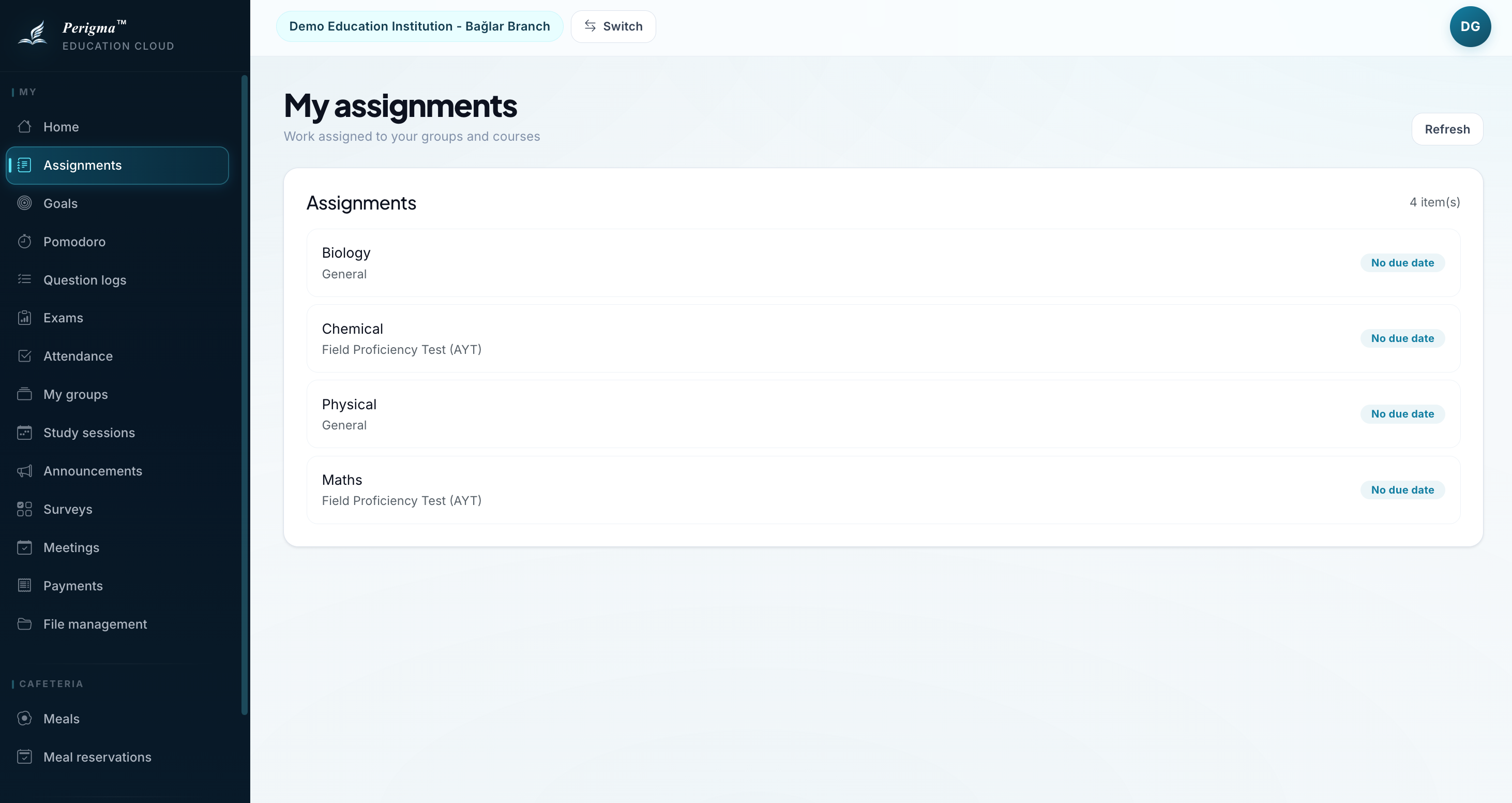
Image 6: Student assignments list
Exam Results
- Go to My Exams
- View completed exams
- Review score, net values, and average comparison
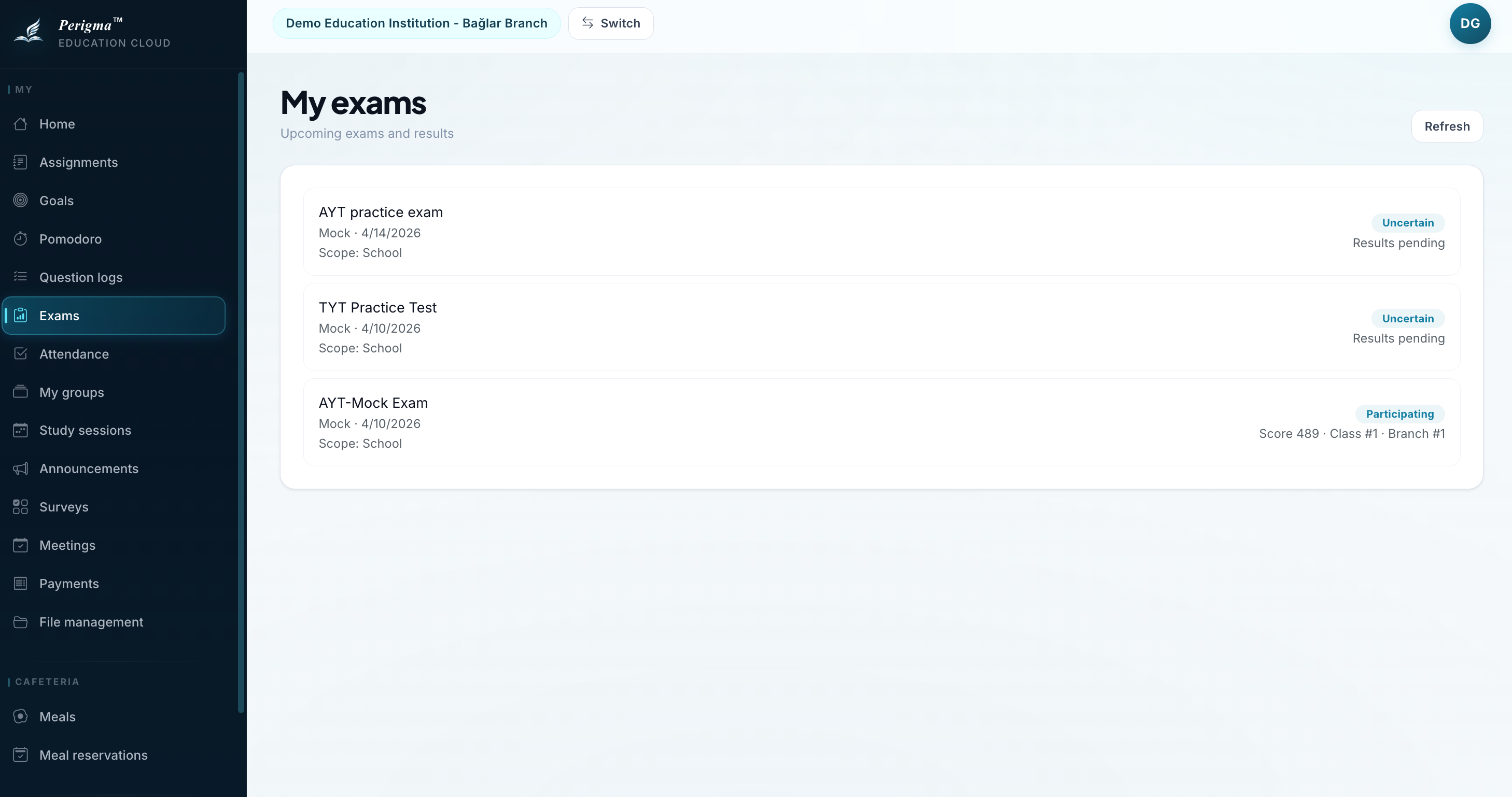
Image 7: Student exam results
Meal Reservation
If your institution provides meal services:
- Go to Cafeteria
- Select date and meal
- Click Reserve Meal
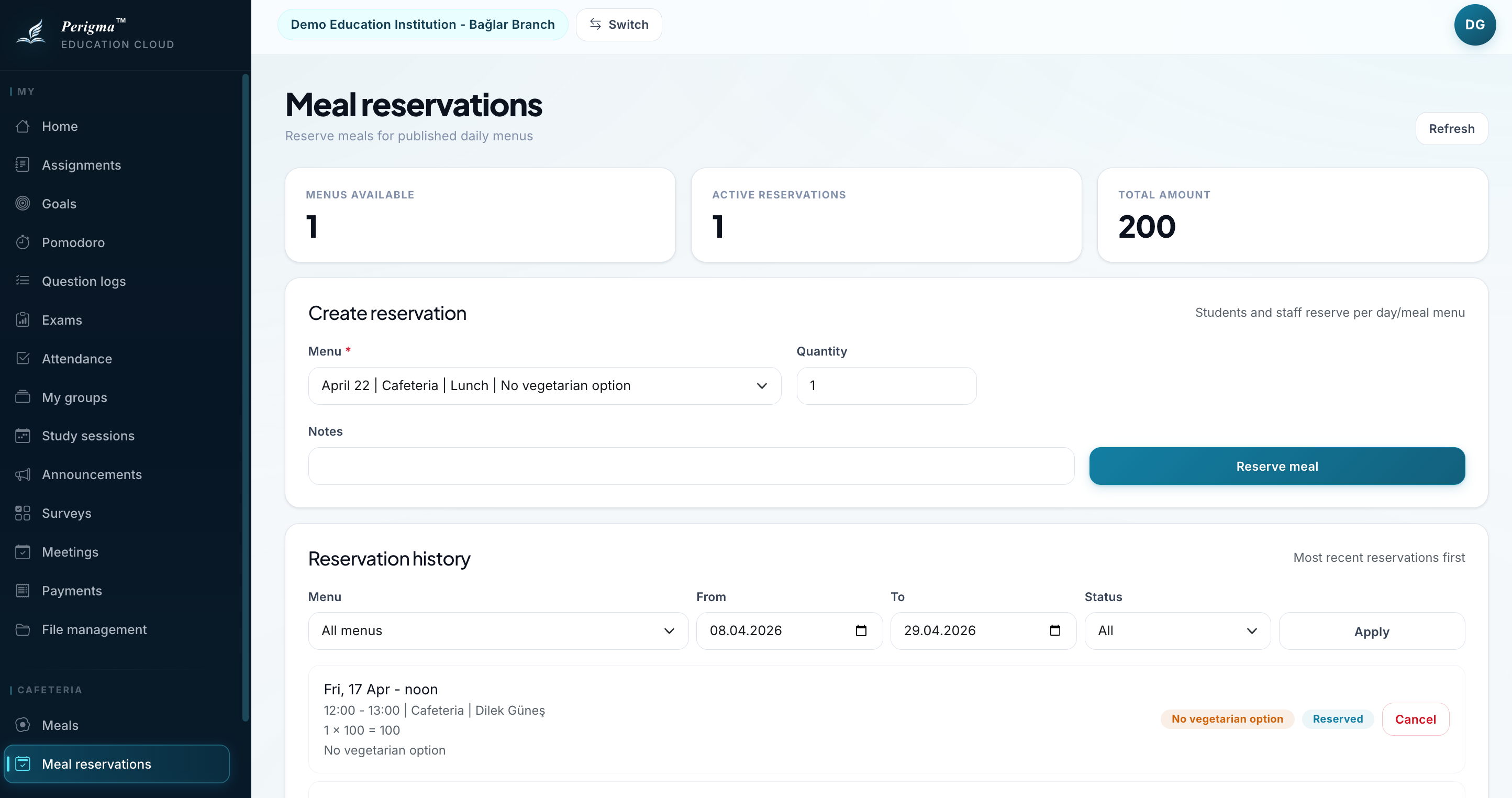
Image 8: Student meal reservation