Meetings
The meetings module helps you schedule and manage parent meetings, staff meetings, and other institution meetings. Administrator, Manager, Teacher, and Guardian roles can access this module.
Meeting List
Go to People → Meetings from the left menu.
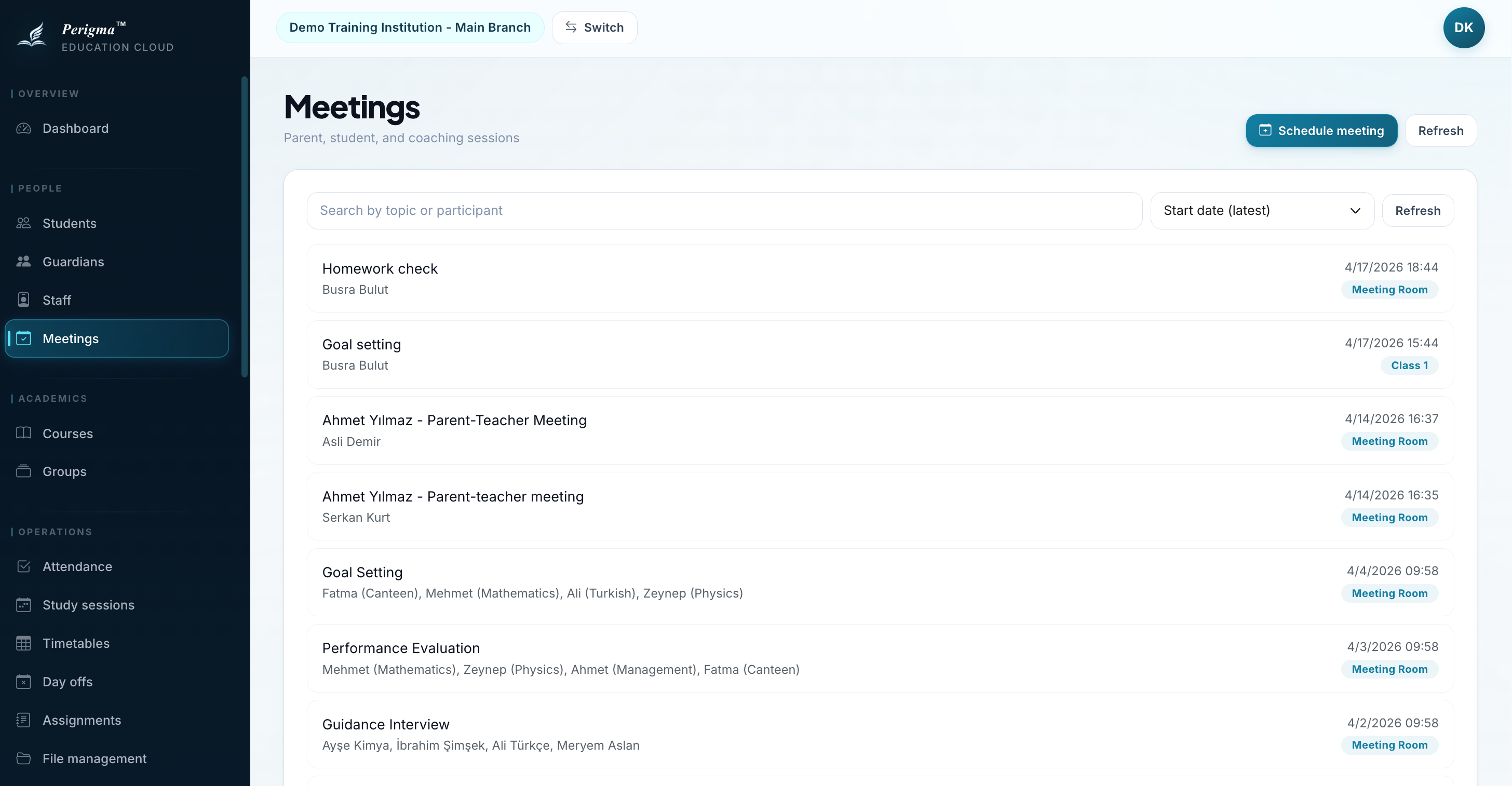
Image 1: Meeting list screen
Creating a New Meeting
(Administrator, Manager, or Teacher permission required)
- Click "New Meeting"
- Fill in meeting details:
| Field | Required | Description |
|---|---|---|
| Subject | Yes | Meeting title/topic |
| Room | Yes | Meeting room |
| Start Date/Time | Yes | Meeting start |
| End Date/Time | Yes | Meeting end |
| Participants | Yes | Invited participants |
- Click "Save"
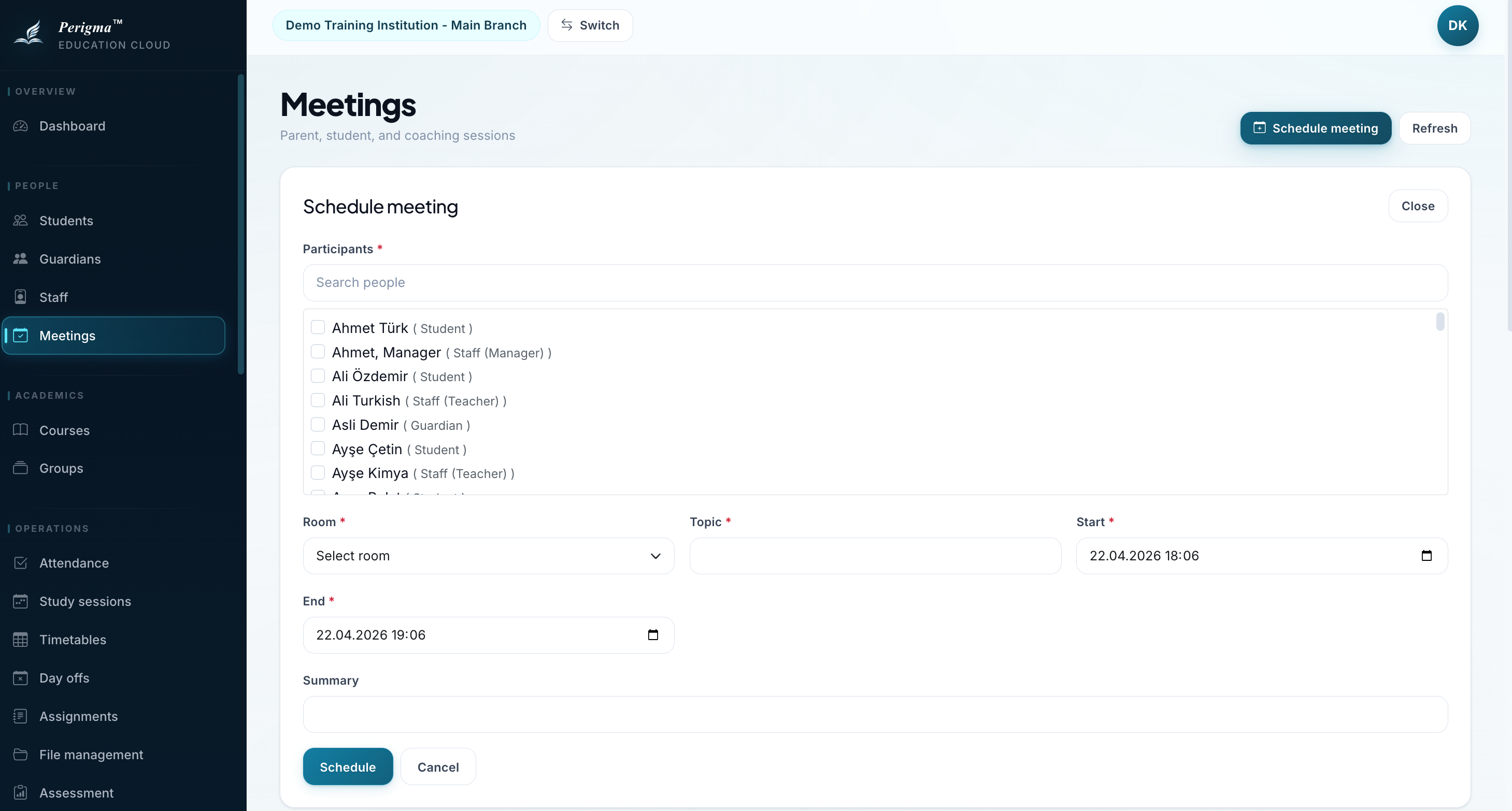
Image 2: New meeting form
SMS notification
If meeting SMS notifications are enabled, invited participants receive automatic SMS.
Meeting Detail
On meeting detail page you can:
- View subject/date/time/room data
- View participant list
- Edit meeting details
- Cancel/delete meeting
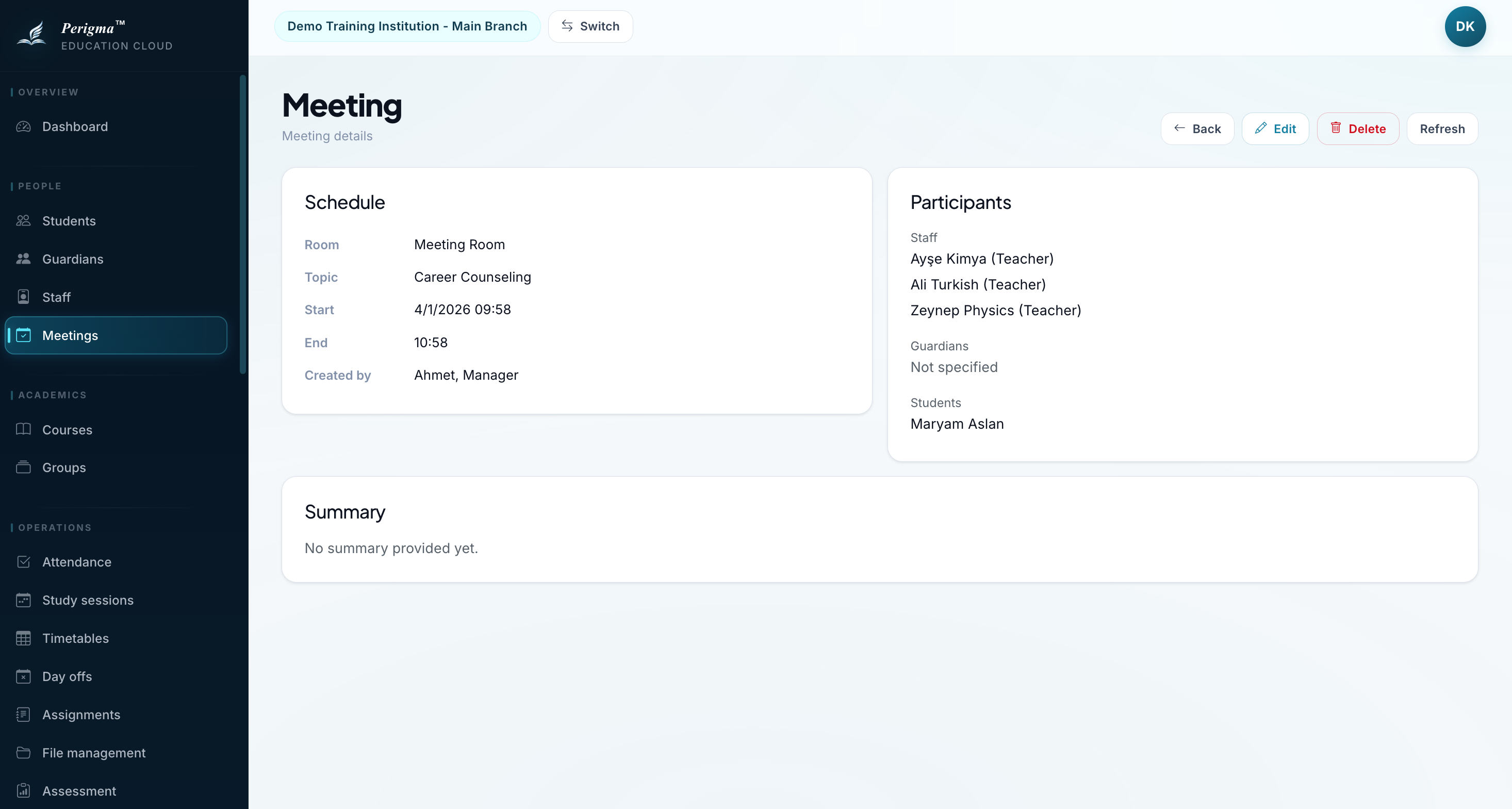
Image 3: Meeting detail page
Parent Meetings
Parent meetings are also managed through this module:
- Create a new meeting
- Add the related guardian as participant
- Set subject (for example, "Ahmet Yilmaz - Parent Meeting")
Guardians can view their meetings under Meetings in their own panel.
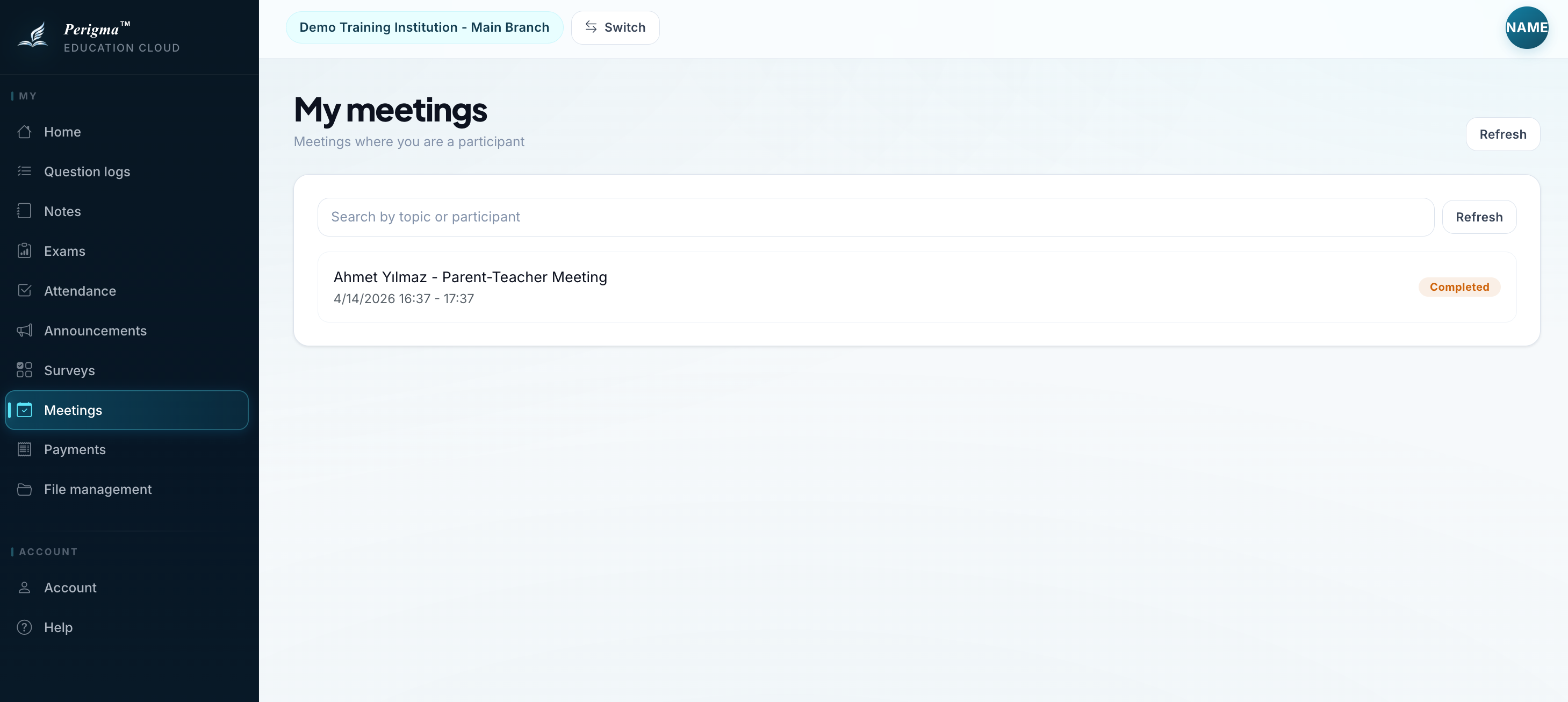
Image 4: Parent meeting example