My Attendance
In this section, you can view your attendance status and track your absentee history.
Accessing Attendance Page
Click My Attendance in the left menu.
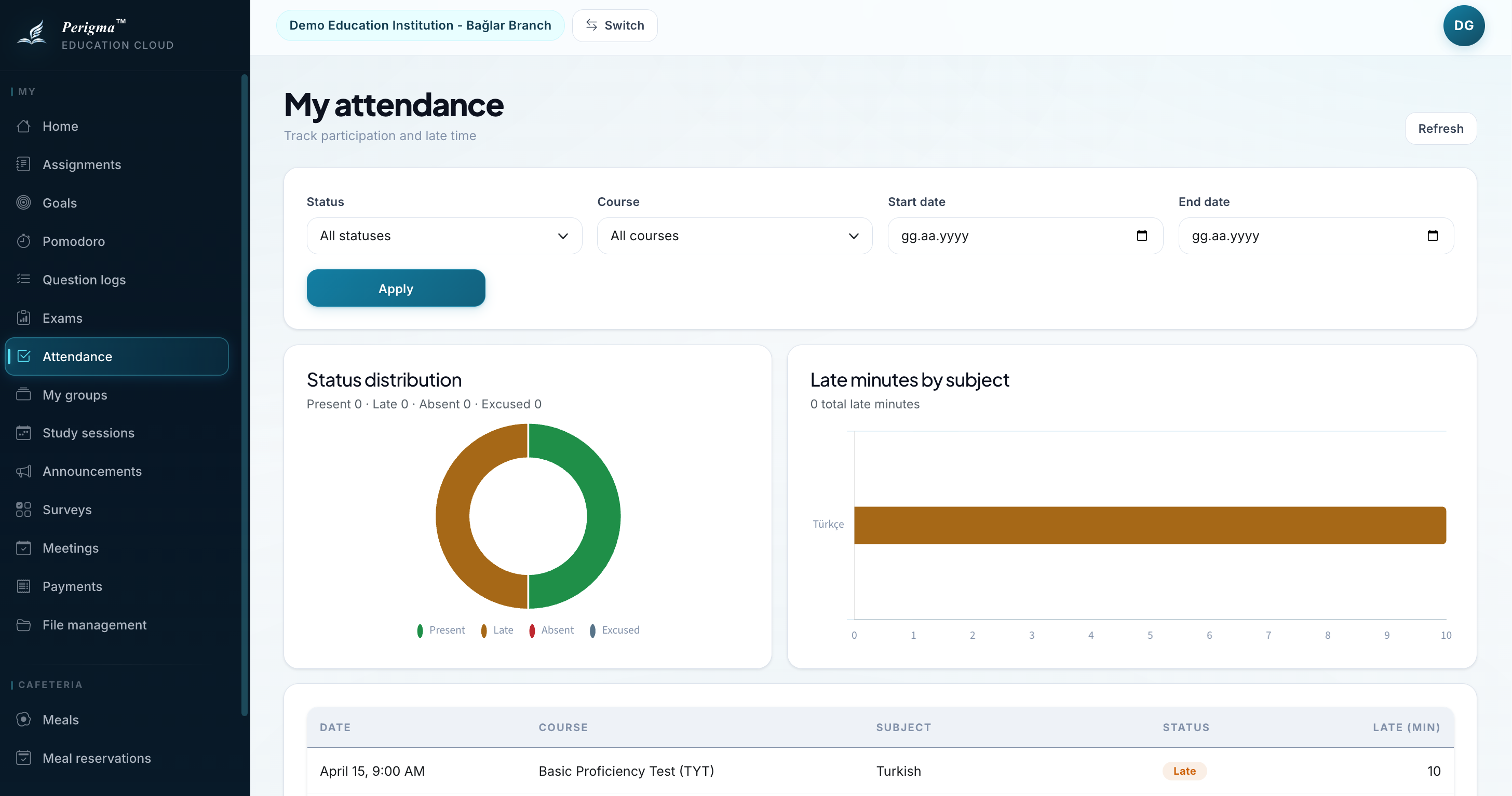
Image 1: Student attendance page
Attendance Statuses
| Status | Icon | Description |
|---|---|---|
| Present | Yes | You attended on time |
| Absent | No | You did not attend |
| Late | Clock | You joined late |
| Excused | Note | You were marked as excused |
Calendar View
The monthly calendar shows your attendance by day:
- Green: Attended all lessons
- Yellow: At least one late/excused record
- Red: At least one absence
- Gray: No classes or holiday
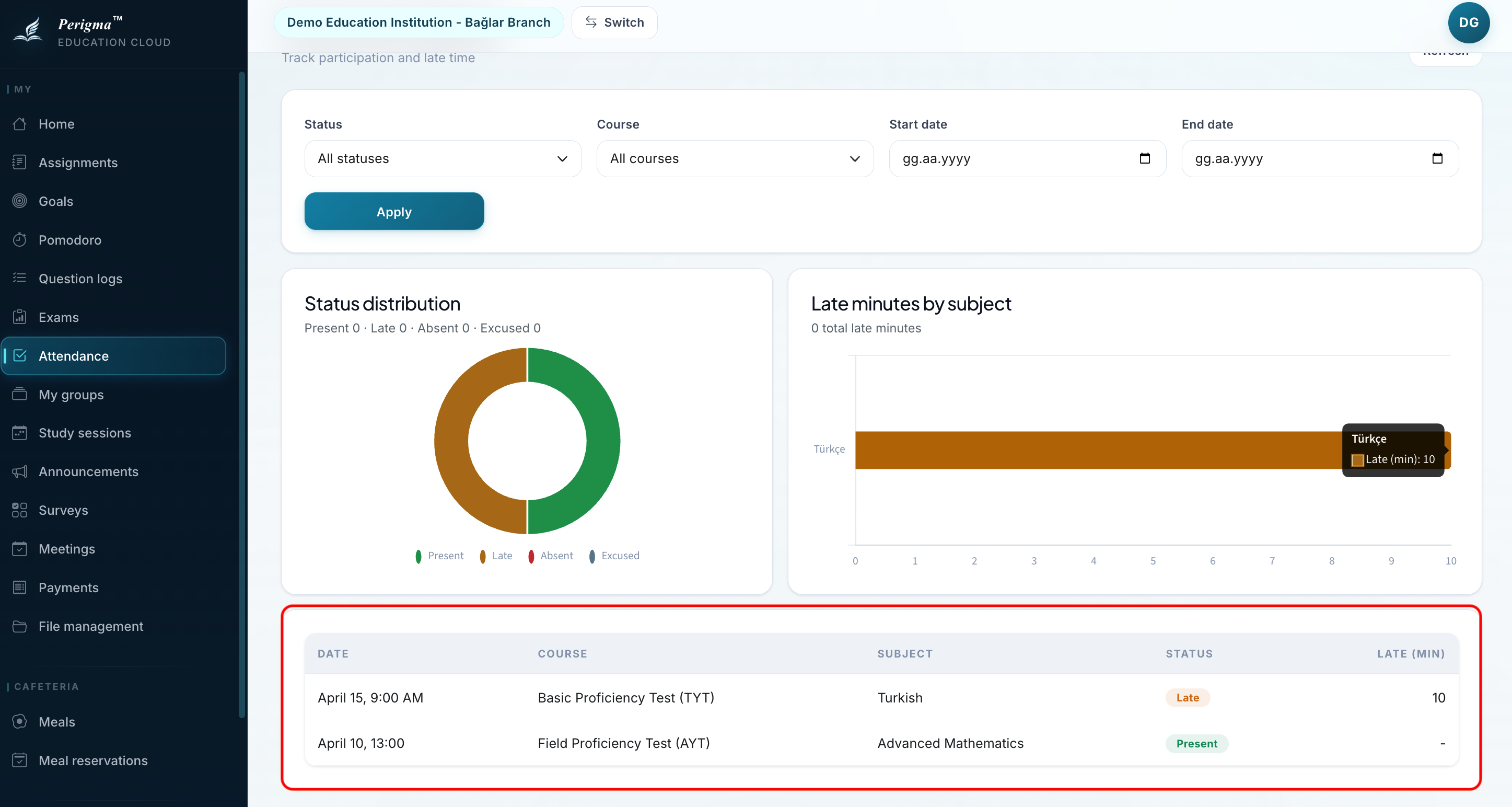
Image 2: Attendance calendar view
Summary Statistics
At the top of the page, period-based summary cards are shown:
| Metric | Description |
|---|---|
| Total Lessons | Total lessons in your period |
| Attendance | Number of attended lessons |
| Absences | Number of missed lessons |
| Late Count | Number of late records |
| Attendance Rate | Percentage attendance rate |
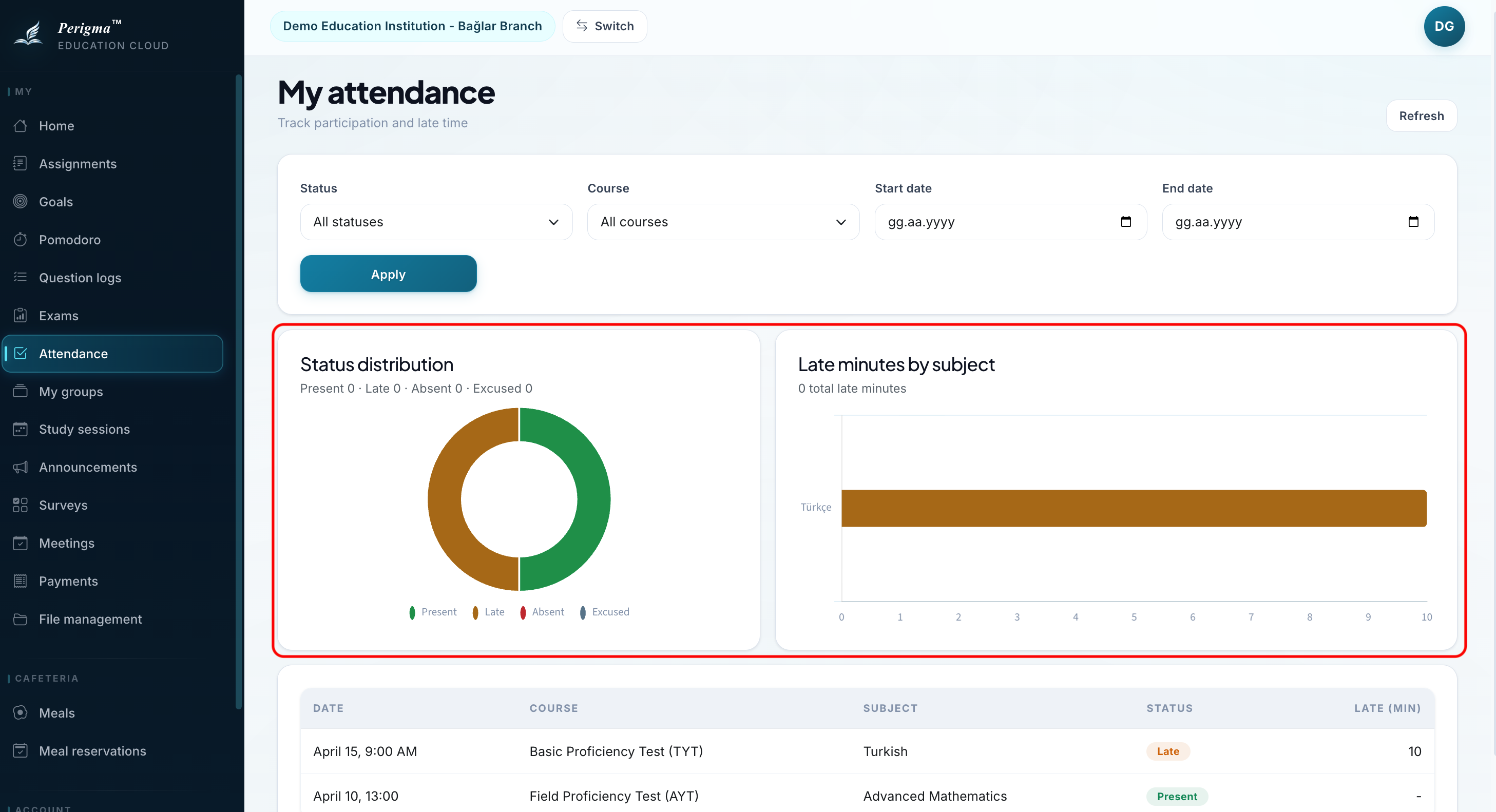
Image 3: Attendance summary cards
Daily Detail
When you click a specific day, you can view attendance detail for each lesson.
| Lesson | Time | Status |
|---|---|---|
| Mathematics | 09:00-10:00 | Present |
| Physics | 10:15-11:15 | Present |
| Turkish | 11:30-12:30 | Late |
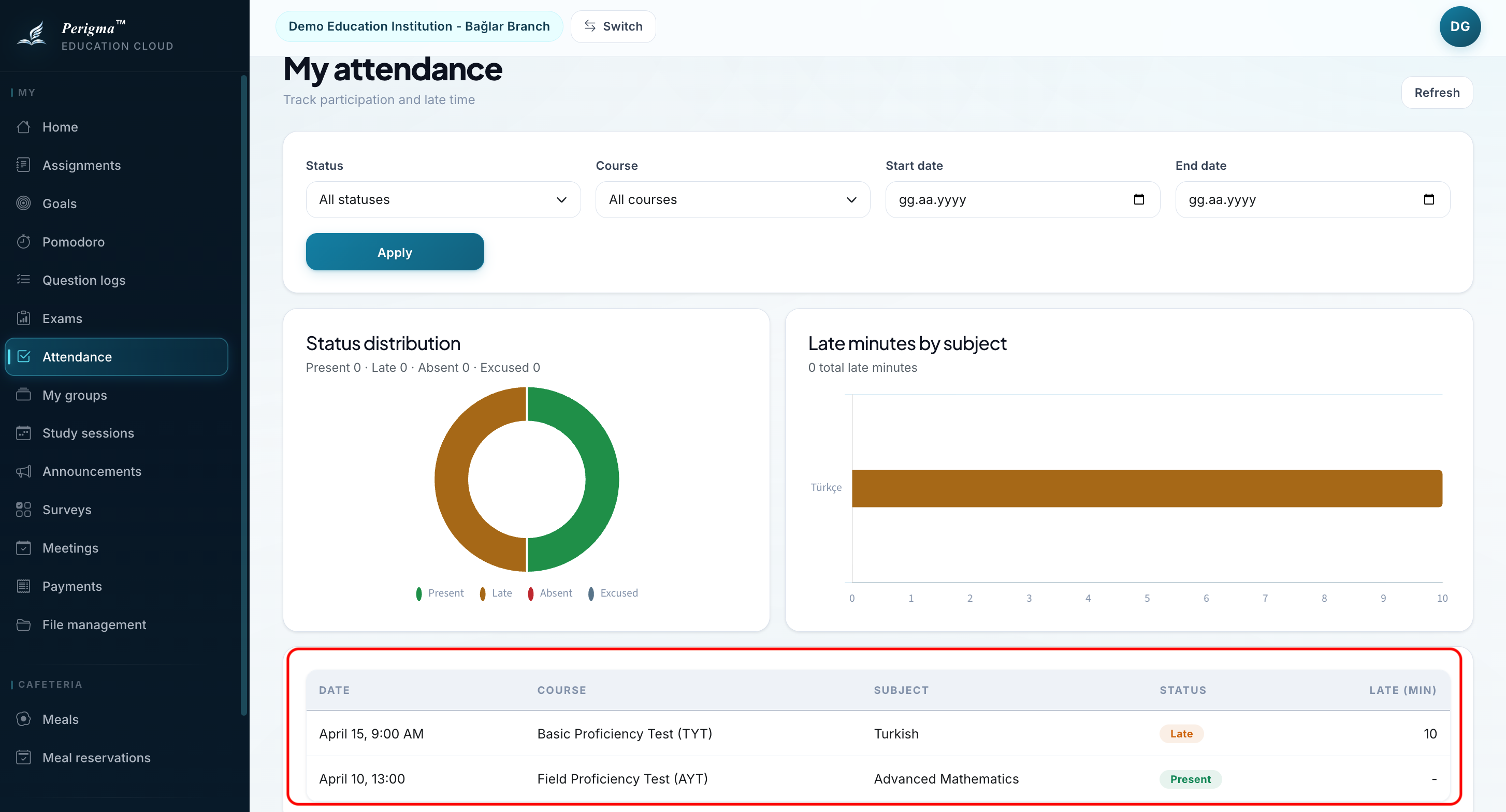
Image 4: Daily attendance detail
Absence Warning
warning
If you exceed a configured absence threshold, the system notifies both you and your guardian. This threshold is defined by the institution.