My Groups
In this section, you can view the groups (classes) you are enrolled in.
Accessing Groups Page
Click My Groups in the left menu.
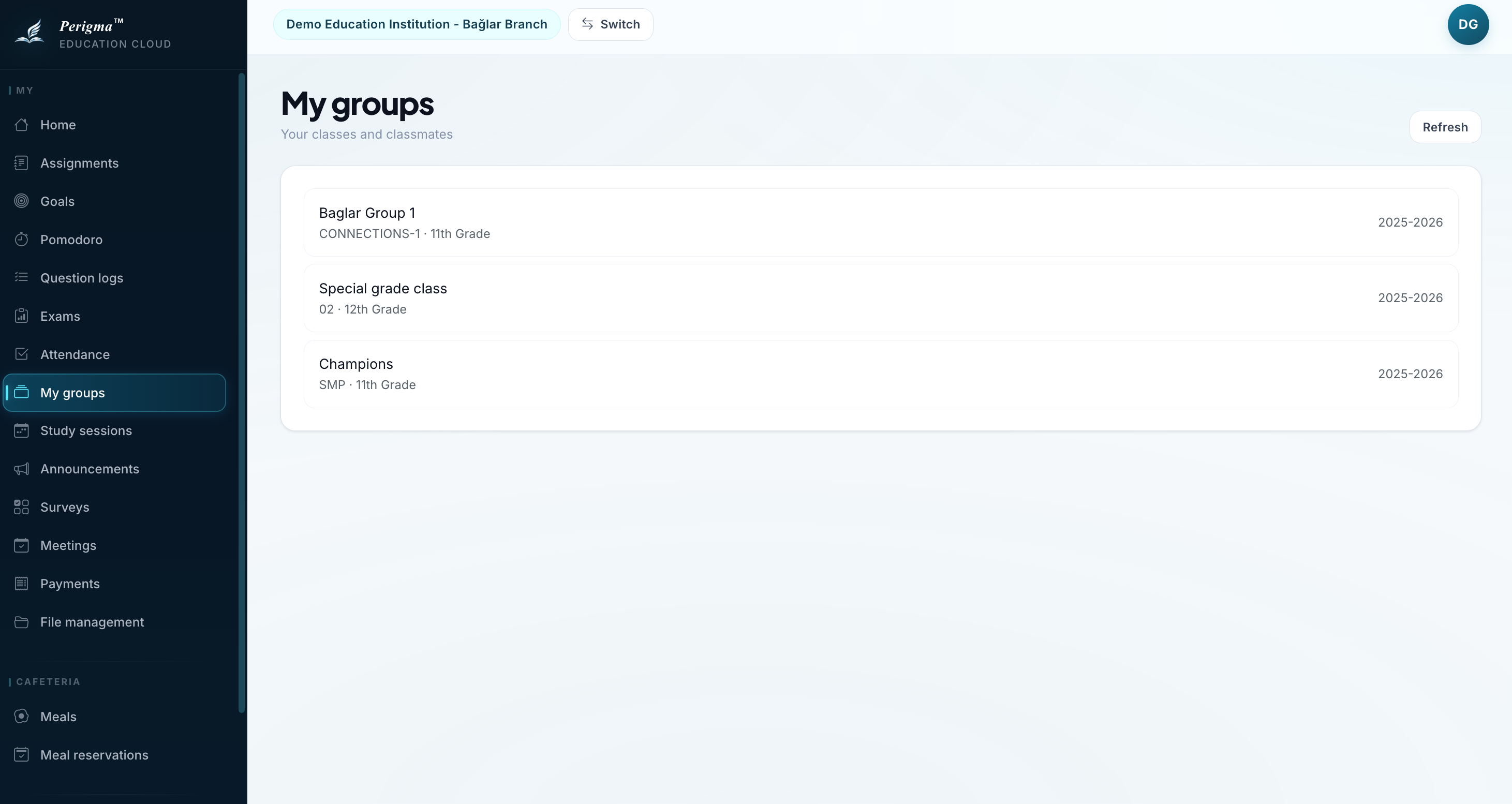
Image 1: My Groups page
What Is a Group?
A group is a class formed by students taking the same course. Examples:
- YKS Mathematics Group A
- LGS Science Group B
- Grade 12 Social Sciences Group
Group Card Details
Each group card includes:
| Field | Description |
|---|---|
| Group Name | Full group name |
| Course | Related course |
| Teacher | Group teacher |
| Student Count | Number of students |
| Term | Academic term |
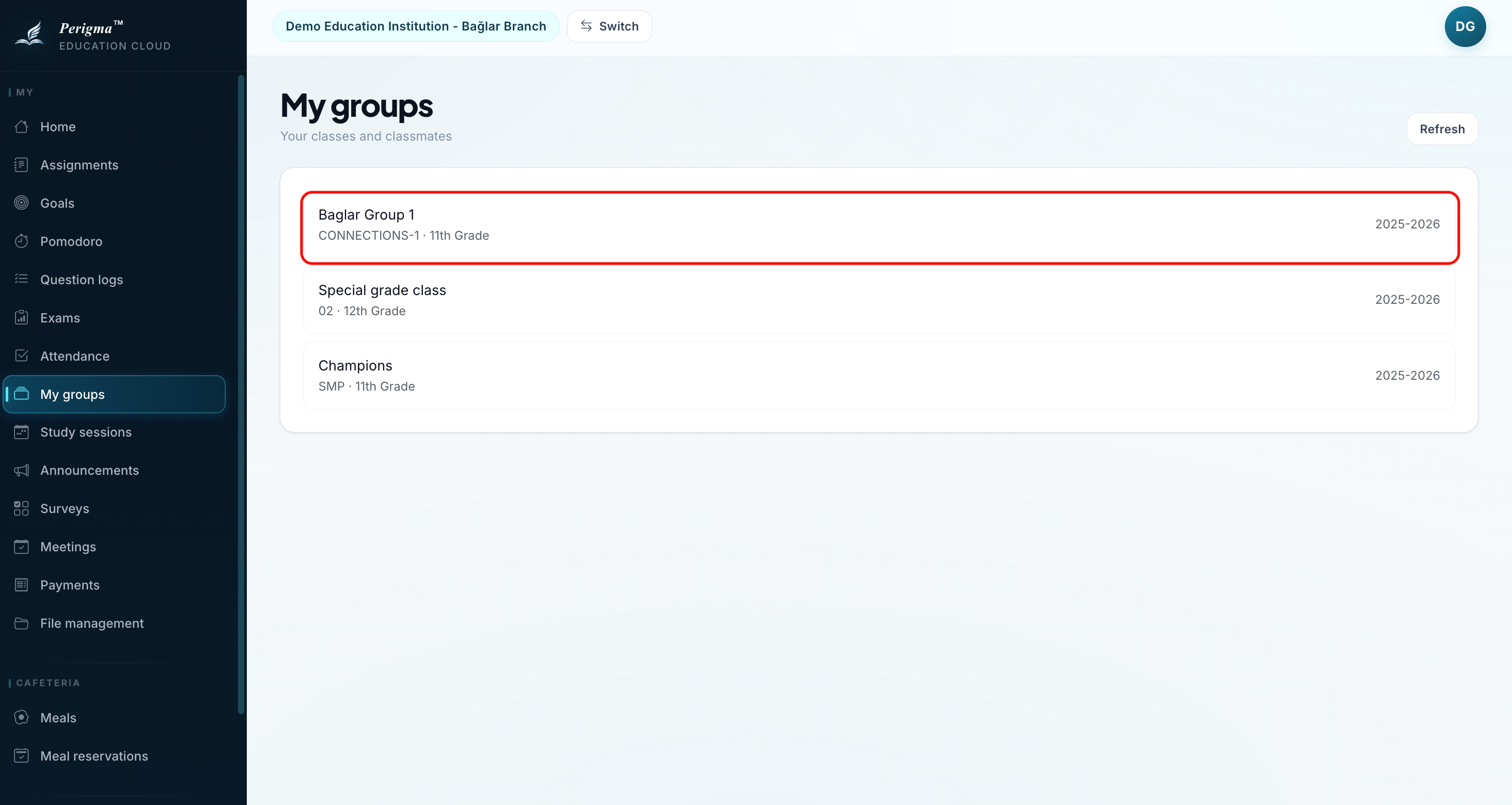
Image 2: Group card sample
Group Detail
When you click a group, you can view:
General Information
- Group name and code
- Course and branch
- Grade level
- Responsible teacher
Student List
Names of other students in the group (contact details are not shared).
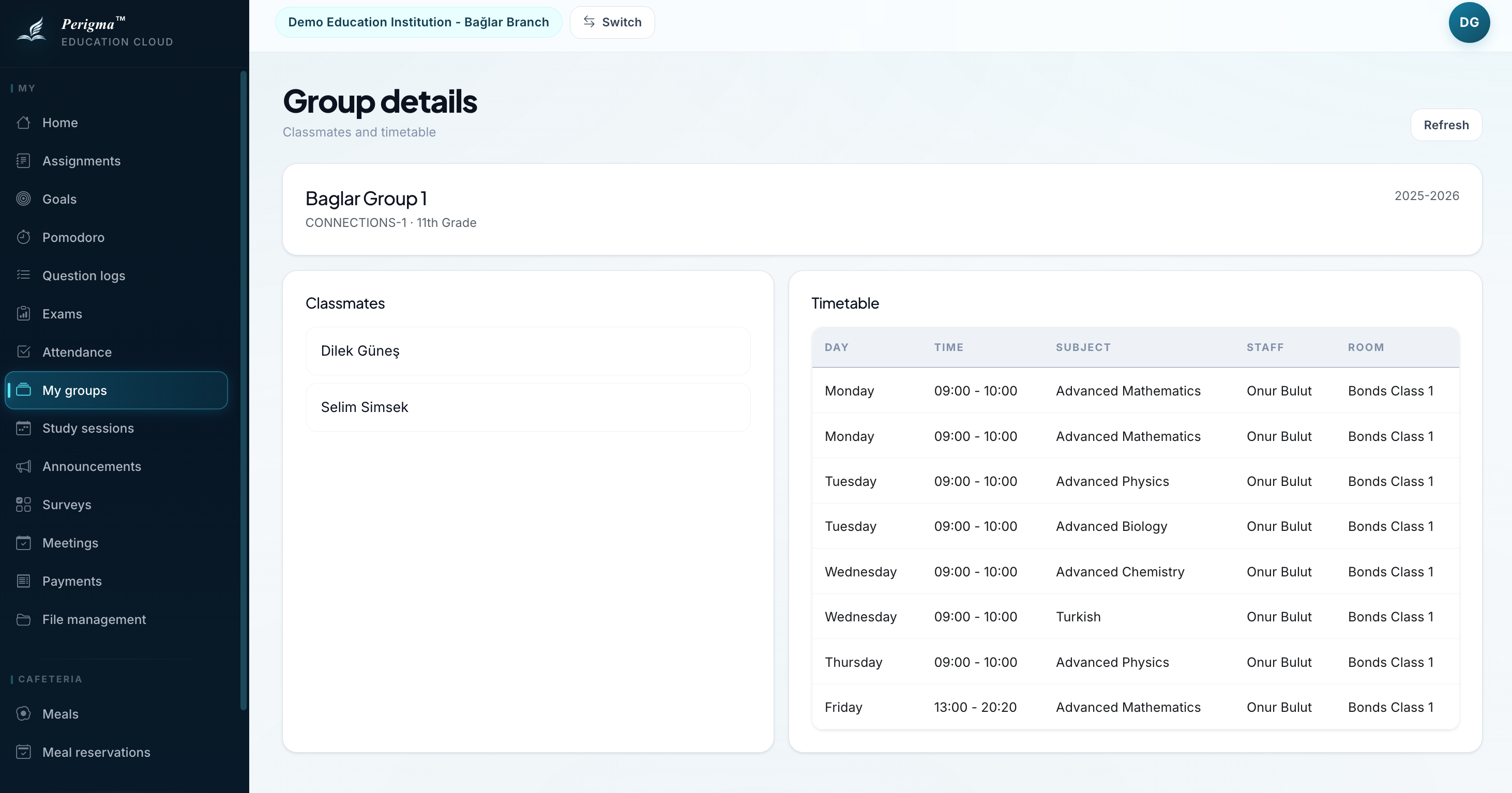
Image 3: Group detail page
Multiple Group Membership
You can be enrolled in multiple groups. For example:
- Mathematics Group A
- Physics Group B
- Turkish Group A
Assignments, exams, and announcements are listed separately for each group.
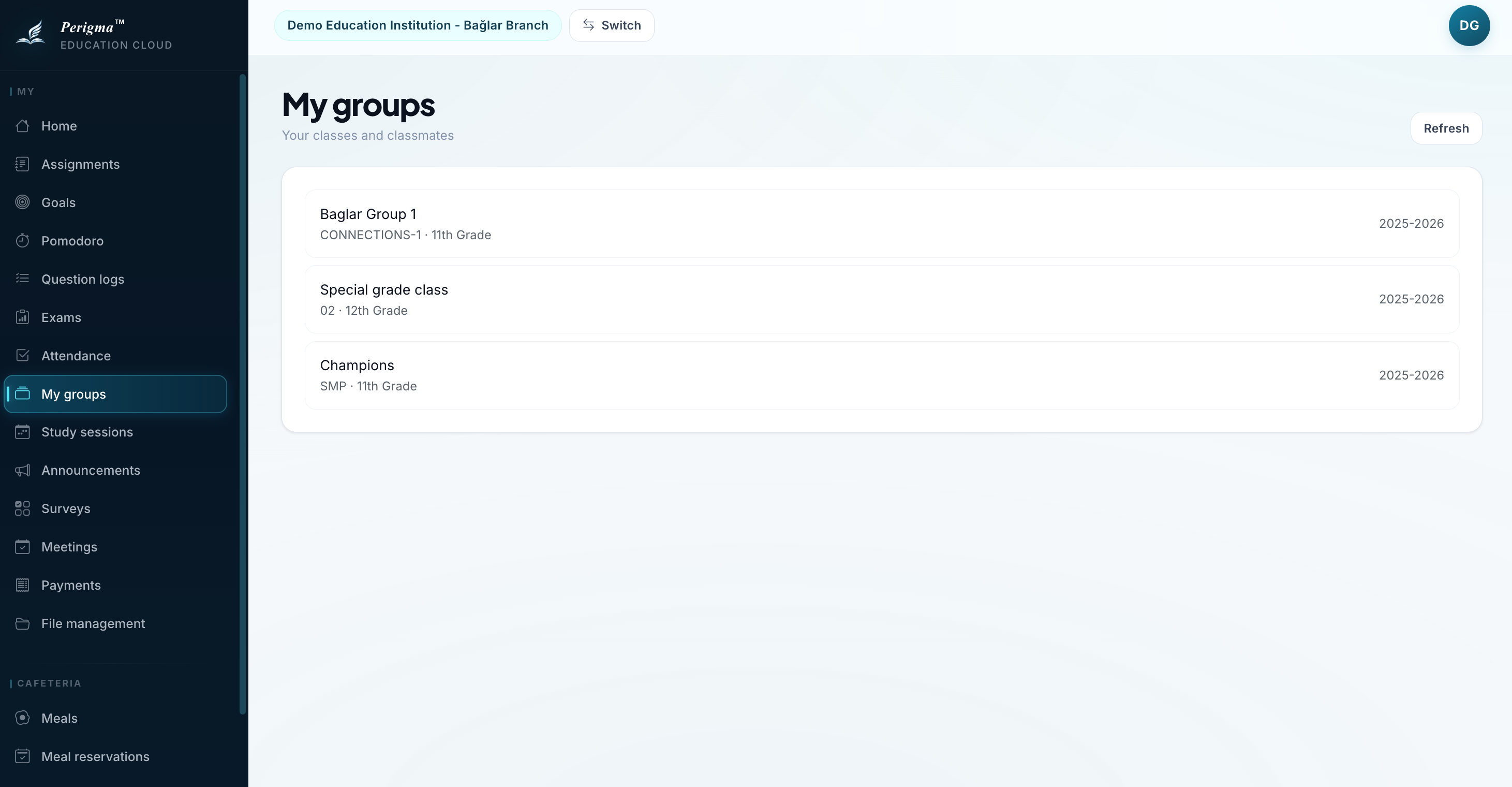
Image 5: Multi-group view