Pomodoro Timer
The Pomodoro technique helps you study productively using short focus sessions and breaks. This page explains how to use Perigma's Pomodoro timer.
What Is Pomodoro?
Pomodoro is a time-management method introduced by Francesco Cirillo:
- Focus for 25 minutes
- Take a 5-minute short break
- After 4 pomodoros, take a 15-30 minute long break
Accessing the Timer
Click Pomodoro in the left menu.
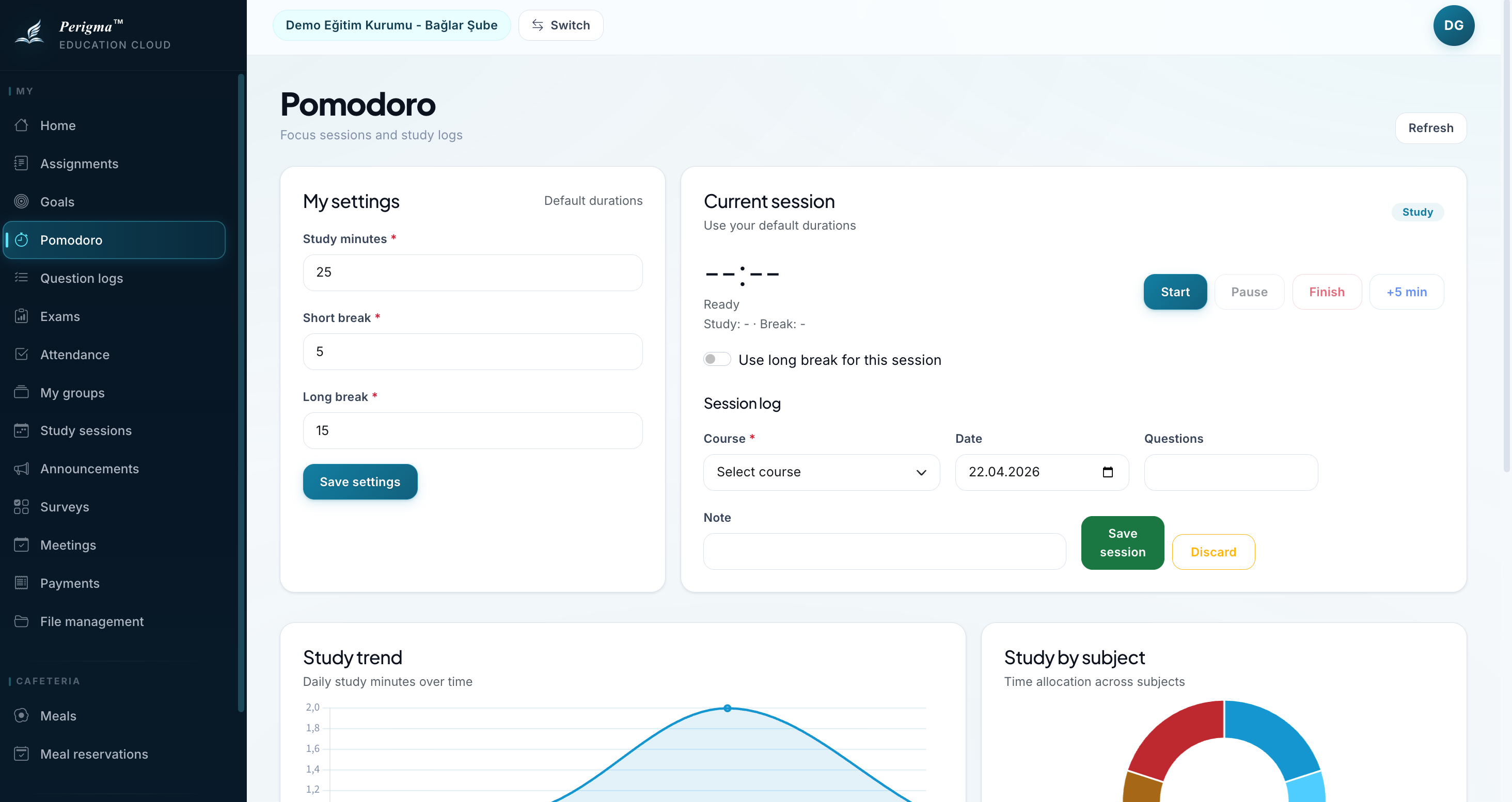
Image 1: Pomodoro timer screen
Using the Timer
Starting a Focus Session
- Click "Start"
- A 25-minute countdown starts
- Focus on your study task
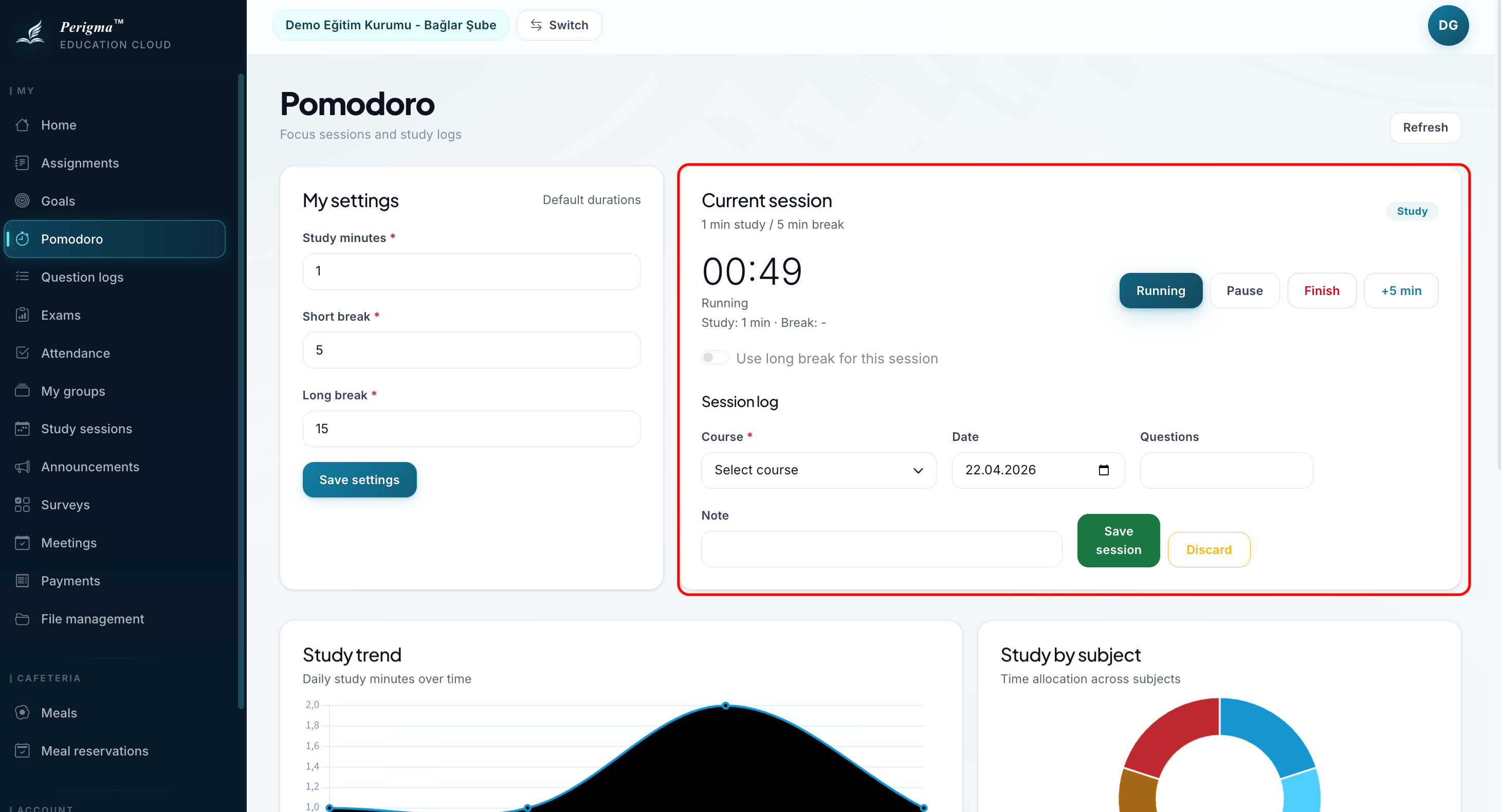
Image 2: Active pomodoro session
Break Session
When a focus session ends:
- You receive a notification
- A 5-minute break starts automatically
- A new focus session starts after the break
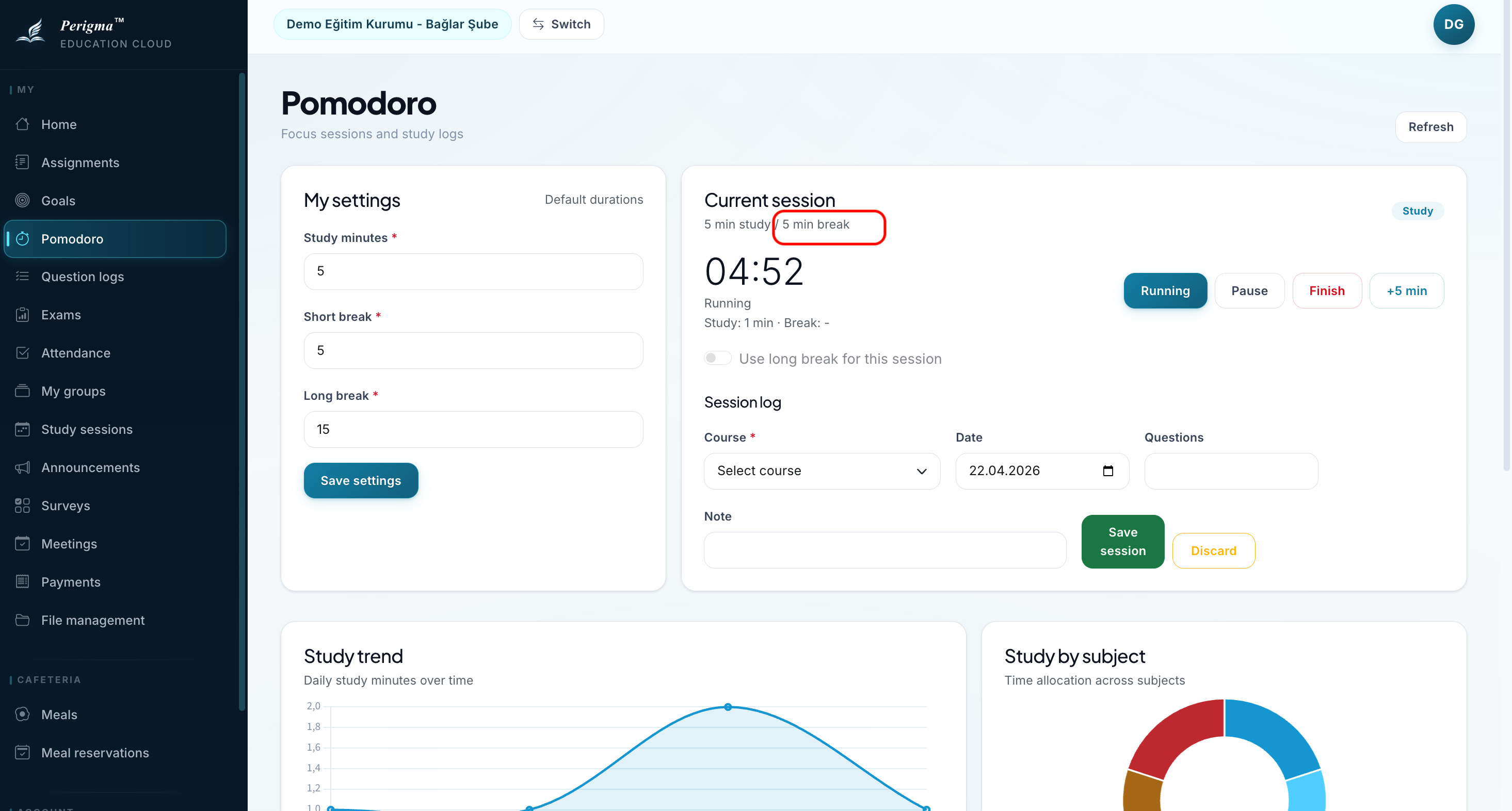
Image 3: Break screen
Settings
You can personalize Pomodoro durations:
| Setting | Default | Description |
|---|---|---|
| Focus Duration | 25 min | Focus period |
| Short Break | 5 min | Break after each pomodoro |
| Long Break | 15 min | Break after every 4 pomodoros |
| Long Break Interval | 4 | Number of pomodoros before long break |
| Auto Start | Off | Auto-start next focus session |
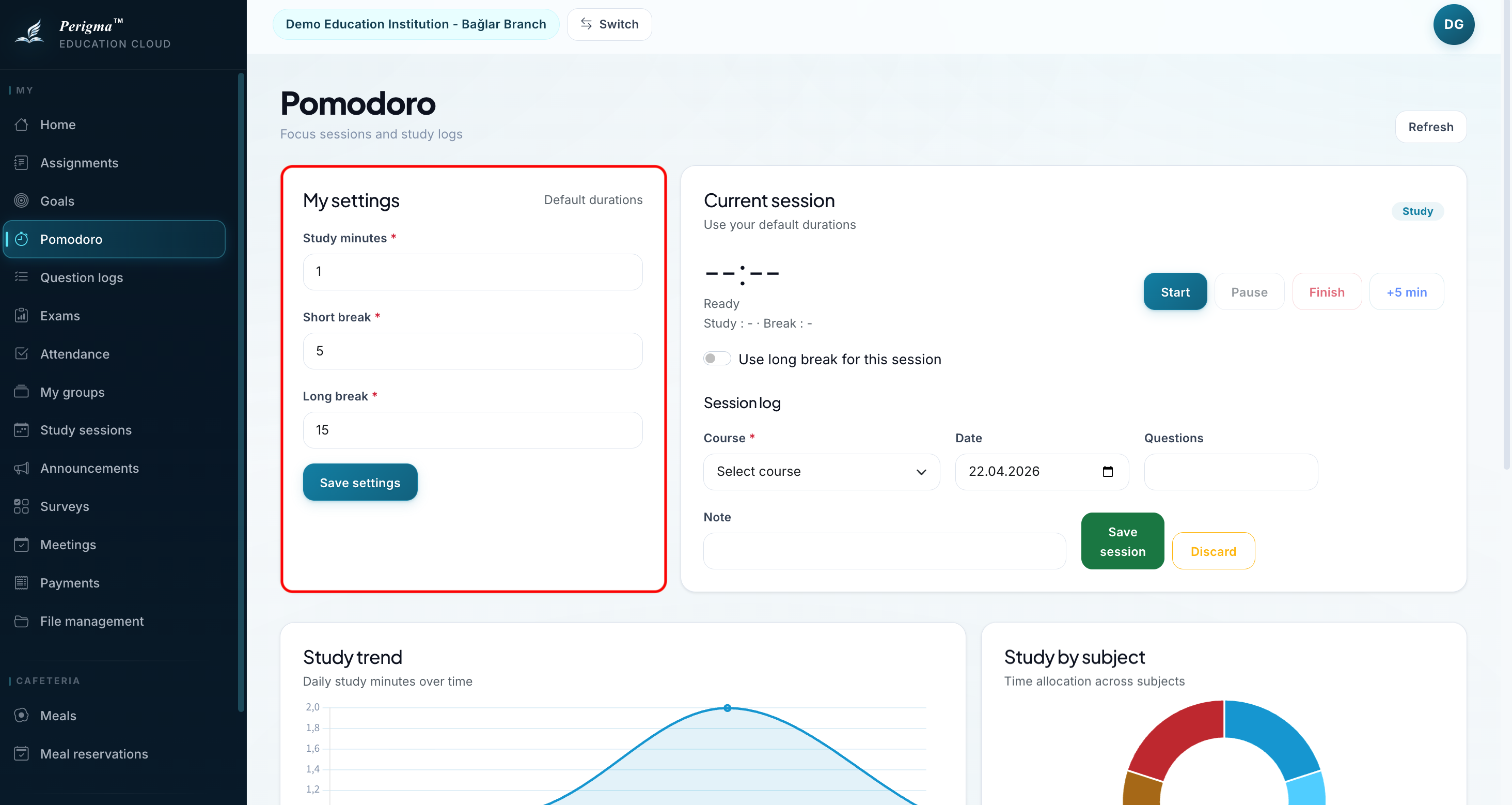
Image 4: Pomodoro settings
Statistics
You can track study statistics:
- Today: Completed pomodoro count
- This Week: Weekly total
- This Month: Monthly total
- Total Study Time: Overall time in hours
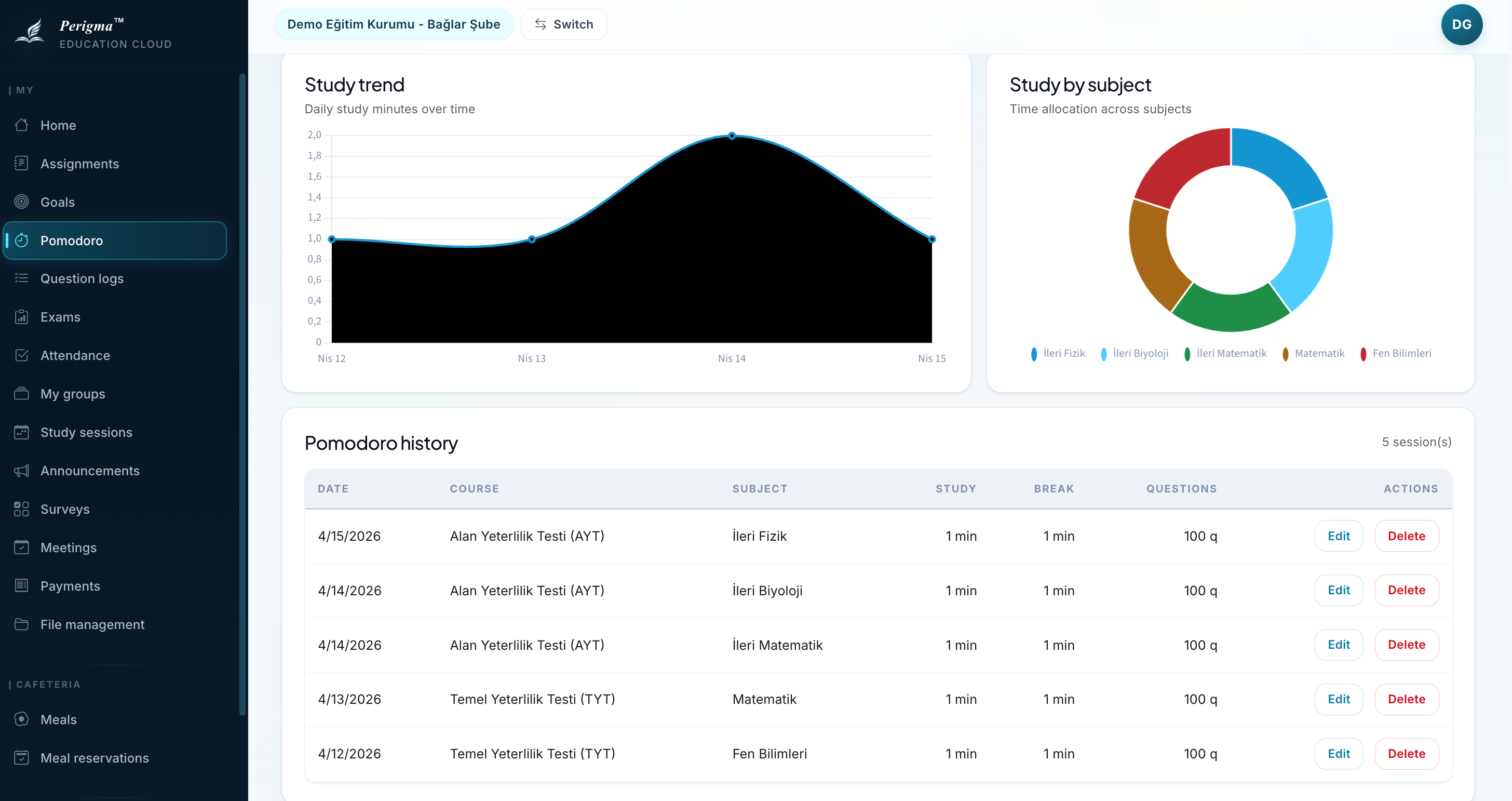
Image 5: Pomodoro statistics
Sound Alerts
You can receive sound alerts when focus or break periods end. Disable "Sound Alert" in settings if you prefer silent mode.
Goal Integration
tip
Time spent with Pomodoro is added automatically to your "Time Goal" progress.